
TCL NXTPAPER 11 Gen 2
4.4Editor score
Paper-like eye comfort display
Real-time bilingual subtitles
128GB expandable storage
AI tablets are transforming how we work and create by integrating smart tools directly into the device. These devices use intelligent assistants to summarize notes, translate languages, and enhance creativity without needing extra apps.
We evaluated ten leading models based on performance, display quality, battery life, and specific AI capabilities. Our comparison focuses on real-world usability for students, creators, and professionals seeking efficiency in their daily workflows.
Each pick highlights key strengths and ideal use cases to help you find the right match for your needs. Please note that prices and availability change frequently, so check current listings before making a final purchase decision.
4.4Editor score

5.0Editor score

4.7Editor score
As an Amazon Associate we earn from qualifying purchases.
This side-by-side comparison helps you quickly identify key specifications and unique features across all ten models. Use this table to find the device that best fits your specific requirements and budget constraints.




The Samsung Galaxy Tab A11+ is a versatile device designed for family use with solid performance capabilities. It holds a 4.6 rating and offers a responsive chipset for daily tasks.
We may earn a commission when you buy through this link, at no additional cost to you.
Its upgraded chipset keeps everything responsive for browsing and streaming. The long-lasting battery supports hours of use without frequent recharging.
Storage and memory are sufficient for multitasking seamlessly. However, advanced AI tools are less prominent compared to flagship models.
This tablet is ideal for families needing a reliable entertainment hub. It balances performance and usability for everyday activities effectively.
The device handles multiple users and tasks smoothly without lag.
Quad speakers with Dolby Atmos provide a cinema-like experience.
We may earn a commission when you buy through this link, at no additional cost to you.
The TCL NXTPAPER 14 combines creativity and productivity in a single device. It features a massive 14.3 inch screen with paper-like technology for eye comfort.
We may earn a commission when you buy through this link, at no additional cost to you.
Its display reduces glare and filters blue light automatically. The three display modes allow switching between standard and reading experiences easily.
A large battery supports full day use with reverse charging. Yet internal storage cannot be expanded via microSD card.
This device suits students and artists needing a large canvas. It offers unique visual comfort for extended reading sessions.
NXTPAPER technology reduces strain during long viewing sessions.
The included T-PEN stylus supports precise drawing and notes.
We may earn a commission when you buy through this link, at no additional cost to you.
The Lenovo Yoga Tab AI Tablet is designed for creators needing powerful AI tools. It holds a perfect 5.0 rating for its premium craftsmanship and performance.
We may earn a commission when you buy through this link, at no additional cost to you.
Intelligent AI tools streamline workflows with live transcription and editing. The included Tab Pen Pro enables natural sketching and writing.
High performance supports professional multitasking and content creation. The price reflects these premium features but remains competitive.
This tablet is perfect for professionals and power users. It delivers a smooth experience for complex daily tasks.
AI tools help edit photos and summarize notes instantly.
Wi-Fi 7 and USB-C hub ensure fast data transfer.
We may earn a commission when you buy through this link, at no additional cost to you.
The Samsung Galaxy Tab S11 is a fast tablet with robust multitasking capability. It features 12GB RAM for snappier workflow switching between apps.
We may earn a commission when you buy through this link, at no additional cost to you.
Galaxy AI tools like Note Assist keep meeting notes tidy quickly. The device is IP68 rated for protection against spills and dust.
Expandable storage offers flexible file keeping for creators. The 11 inch screen provides bright clarity for long sessions.
This model is great for Samsung owners wanting one device. It balances work and play with reliable protection features.
Note Assist organizes ideas efficiently during meetings.
IP68 rating ensures peace of mind in various environments.
We may earn a commission when you buy through this link, at no additional cost to you.
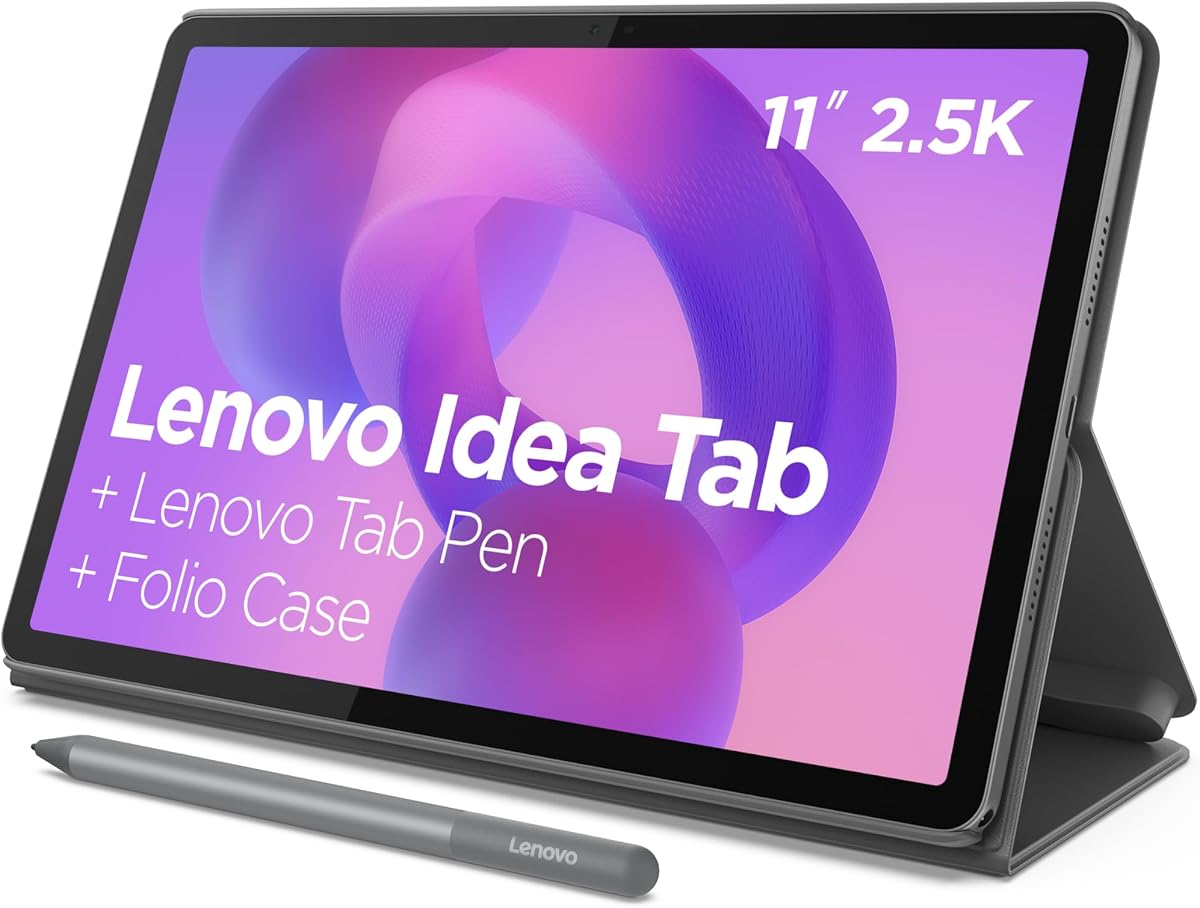
The Lenovo Idea Tab is designed to power your study and fuel your play. It offers AI-enhanced multitasking to stay ahead in learning.
We may earn a commission when you buy through this link, at no additional cost to you.
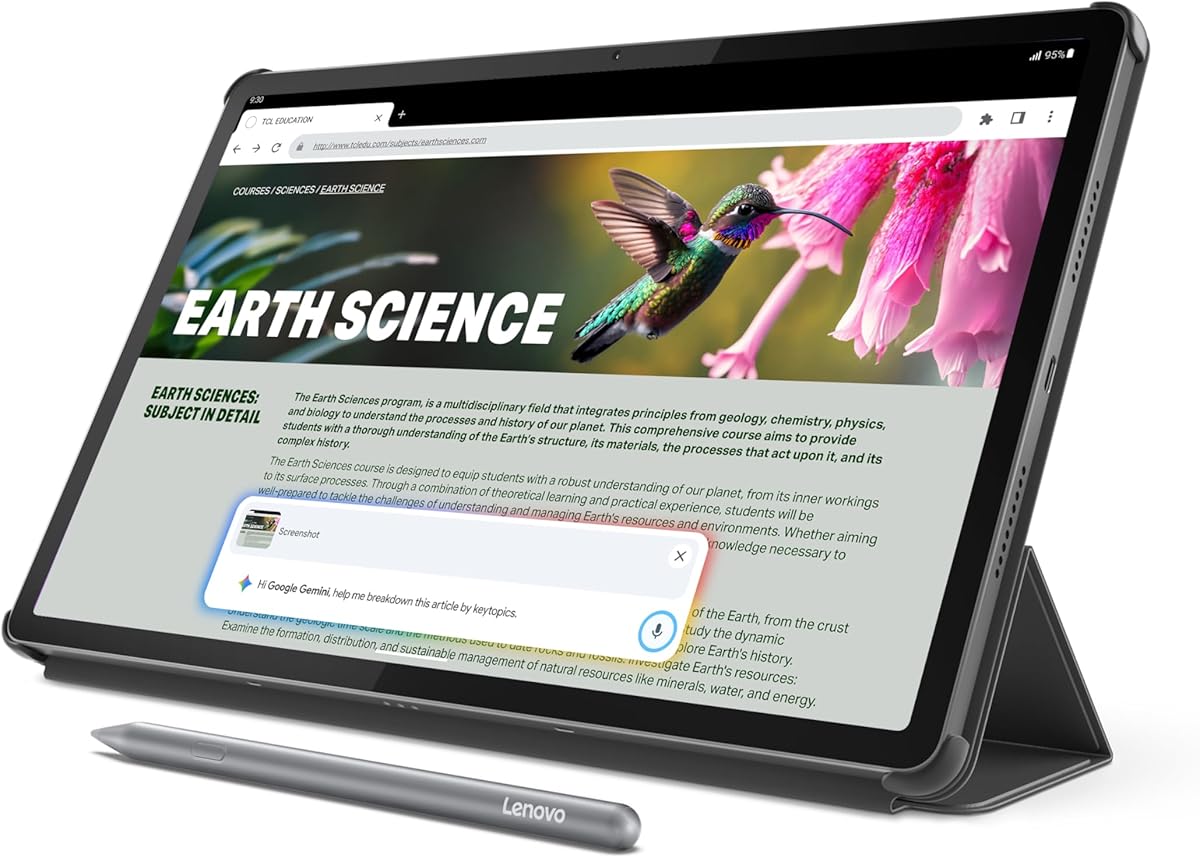
You can use Circle to Search for instant results. Four learning apps help you stay clear and focused during sessions.
The display features low blue light for safe eyes. Performance is smooth for study apps but limits heavy gaming.
This tablet is ideal for students on a budget. It provides essential tools for education and entertainment needs.
Built-in apps like Nebo enhance note taking skills.
Low blue light certification protects eyes during long use.
We may earn a commission when you buy through this link, at no additional cost to you.
The TCL NXTPAPER 11 Gen 2 offers high value for everyday tasks. It fits seamlessly into lifestyles with its paper-like display technology.
We may earn a commission when you buy through this link, at no additional cost to you.
It supports real-time bilingual subtitles for communication. AI tools convert speech to text to break language barriers.
Storage expands up to 1TB for large files. Performance is smooth for daily use but not heavy video editing.
This tablet is perfect for budget-conscious users. It delivers core features without the premium cost.
Smart translator helps in international conversations easily.
Slim design makes it easy to carry anywhere.
We may earn a commission when you buy through this link, at no additional cost to you.
The Samsung Galaxy Tab S10+ Plus turns sketches into art instantly. It holds a 4.7 rating for its innovative AI art features.
We may earn a commission when you buy through this link, at no additional cost to you.
It summarizes lectures and meetings automatically for easy review. The large screen offers breathtaking brilliance with reduced glare.
Home automation widgets enhance daily life convenience. The high price is justified by flagship performance and tools.
This device is ideal for premium users wanting the best. It combines creativity with powerful smart home control.
Sketch to Image transforms rough drawings into art.
SmartThings Widget automates home controls at a glance.
We may earn a commission when you buy through this link, at no additional cost to you.
The CHUWI Hi10 Max AI tablet delivers balanced low-power high performance. It features Intel AI Boost NPU for fast local AI generation.
We may earn a commission when you buy through this link, at no additional cost to you.
The SSD supports manual capacity upgrades up to 1TB. Connectivity includes HDMI and multiple USB ports for expansion.
Display aspect ratio provides more vertical space for tasks. This model bridges the gap between tablet and laptop.
This device suits users needing PC-like capabilities. It offers versatile connectivity for various workloads.
SSD storage ensures faster data access than traditional options.
HDMI and USB ports support external monitors easily.
We may earn a commission when you buy through this link, at no additional cost to you.
The Lenovo Idea Tab Pro is lightweight and jam-packed with battery life. It features a super-efficient processor for smooth multitasking.
We may earn a commission when you buy through this link, at no additional cost to you.
Gaming performance is PUBG certified for FPS excellence. Google Gemini acts as an AI assistant to help with assignments.
The large display offers rich sound for media. Charging is fast to minimize downtime during busy days.
This tablet is great for students and gamers. It balances entertainment features with study tools well.
Responsive touch rate keeps you ahead of the action.
Google Gemini helps brainstorm and solve complex problems.
We may earn a commission when you buy through this link, at no additional cost to you.
The Android 16 Tablet with Gemini AI is built for mobility and endurance. It claims a staggering 32GB of RAM for smooth multitasking.
We may earn a commission when you buy through this link, at no additional cost to you.
It features GPS for precise navigation and WiFi 6 for speed. Battery life is exceptional for long days without outlets.
Storage expands via TF card to 2TB. It is a budget option that covers basic needs thoroughly.
This device suits users needing essential connectivity. It offers reliable features at a low cost.
Dual-band WiFi ensures stable internet connections.
Built-in GPS helps you navigate the world with precision.
We may earn a commission when you buy through this link, at no additional cost to you.
Selecting the right tablet depends on balancing hardware specs with specific AI software capabilities.
Look for tablets with dedicated NPUs or powerful chips like Snapdragon 8 Gen 3 or Intel Ultra 5. These components handle local AI tasks like transcription and image generation faster than older models.
For extended reading, consider paper-like displays like NXTPAPER. Otherwise, high resolution and refresh rates like 144Hz provide smooth visuals for creative work and media.
Minimum 8GB RAM is recommended for multitasking. Ensure storage options like expandable microSD or SSDs meet your file needs.
Choose models with at least 10,000mAh capacity. Fast charging and reverse charging features add significant convenience for daily use.
Evaluate specific AI tools like Note Assist or Sketch to Image. Ensure these features work on your preferred operating system.
Check for IP ratings like IP68 if you travel often. A durable metal body protects against accidental drops and spills.
Verify if a stylus or keyboard is included. Separate purchases increase the total cost significantly.
Ensure the tablet has Wi-Fi 6 or 7 and multiple ports for expansion. These keep the device future-proof for various peripherals.
Initialize the device and download the latest security updates immediately. Log into your accounts to sync your data from other devices.
Explore the specific AI settings in the system menu to activate features like transcription or translation. Customize the display mode for reading or creative work.
Keep the screen clean with a microfiber cloth and avoid extreme temperatures. Use a protective case to prevent scratches and accidental drops.
An AI tablet integrates artificial intelligence features directly into the hardware. This allows for local processing of tasks like language translation and image editing without relying on the internet.
Most basic features work offline. However, advanced AI tools like cloud translation require a stable internet connection to function properly.
Some models like the Lenovo Yoga Tab include a pen. Others like the CHUWI Hi10 Max require you to purchase one separately.
Many tablets support microSD cards for expansion. Some premium models offer internal SSD upgrades for more permanent storage solutions.
The Lenovo Idea Tab is highly recommended for students. It offers affordable pricing, study apps, and sufficient battery life for daily classes.
Prices range from entry-level models around $120 to premium flagships over $800. The mid-range usually offers the best value for performance.
The Lenovo Yoga Tab AI Tablet leads our list with its balanced performance and included accessories. It serves as a top pick for creators and professionals.
Prioritize display quality and AI software features based on your specific needs. A paper-like screen is vital for reading, while a fast processor helps with complex apps.
Check current prices and availability before purchasing to ensure you get the best deal. Your ideal device will depend on your budget and daily workflow requirements.