
BenQ MA270UP
4.3Editor score
Mac color match technology
90W power delivery
Mac keyboard volume control
Choosing the right external display is crucial for maximizing productivity on your MacBook Pro. A high-quality monitor enhances your workflow by providing crisp text and vibrant colors essential for creative work.
We evaluated these models based on resolution, color accuracy, and USB-C connectivity. Each option was selected to ensure seamless integration with macOS features like color matching and high refresh rates.
Each pick highlights specific strengths ranging from budget-friendly options to premium displays. Please note that prices and availability can change frequently, so always check the latest listings before purchasing.
4.3Editor score
5.0Editor score

4.6Editor score
As an Amazon Associate we earn from qualifying purchases.
The following table offers a side-by-side comparison of all ten selected models to help you quickly identify the specs that matter most for your specific workflow needs.



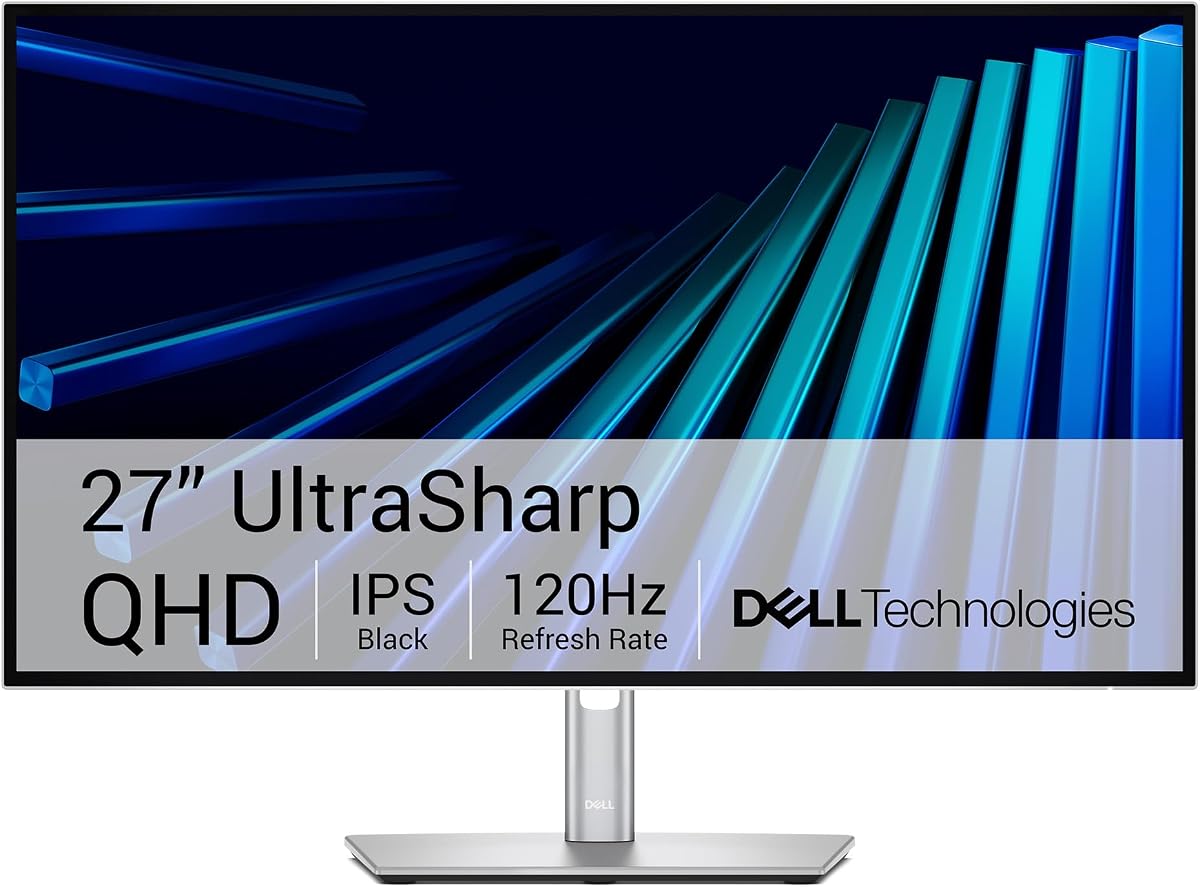
The Dell UltraSharp 27 Thunderbolt Hub Monitor stands out as the top choice for professionals seeking a seamless macOS integration. With a perfect rating and factory-calibrated colors, it ensures your creative work looks exactly as intended right out of the box.
We may earn a commission when you buy through this link, at no additional cost to you.
Its Thunderbolt hub connectivity simplifies your workspace by allowing a single cable connection for video, data, and power. The included KVM switch lets you control two different machines with one keyboard and mouse, making it ideal for users with both personal and work devices.
While the QHD resolution is slightly lower than 4K, the 120Hz refresh rate provides smooth motion for scrolling and video playback. The high price is a trade-off for the extensive feature set and premium build quality that justifies the investment for serious users.
This monitor is best suited for designers and developers who need reliable color accuracy and advanced connectivity options. If you want a display that minimizes dongles and maximizes productivity, this is the model to buy.
Thunderbolt connectivity allows for a single cable solution that handles video, data, and power delivery efficiently. This reduces desk clutter and simplifies your daily setup process significantly.
The built-in KVM switch enables you to switch control between two connected computers instantly using the same peripherals. This feature saves desk space and improves workflow efficiency for multitasking professionals.
We may earn a commission when you buy through this link, at no additional cost to you.
The BenQ MA270UP is specifically engineered for MacBook users, offering a premium experience with features tailored to macOS. Its 4K resolution and P3 color gamut provide vibrant visuals that match the high standards of Apple's own displays.
We may earn a commission when you buy through this link, at no additional cost to you.
A standout feature is the ability to control brightness and volume directly from your MacBook keyboard, creating a seamless user experience. The dual USB-C ports allow for high power delivery to your laptop and accessories like iPhones or iPads.
While the price is higher than generic monitors, the Mac-specific tuning and controls justify the cost for those invested in the Apple ecosystem. The stand allows for height and tilt adjustments to help you find a comfortable viewing position.
This monitor is ideal for creative professionals who prioritize color accuracy and want a display that feels like a native extension of their MacBook. The convenience of keyboard controls alone makes it a strong premium candidate.
The monitor is calibrated specifically for MacBook displays, ensuring colors match perfectly across screens. This tuning minimizes the need for manual color correction when working on projects.
Dual USB-C ports provide 90W power delivery to your MacBook and additional power for peripherals. This means you can charge your laptop and connect other devices with minimal cabling.
We may earn a commission when you buy through this link, at no additional cost to you.
The Philips 24 Inch Computer Monitor offers exceptional value for those on a budget who still want a decent display for their MacBook. Its 100Hz refresh rate and VA panel provide smooth motion and deep blacks at a fraction of the cost of premium models.
We may earn a commission when you buy through this link, at no additional cost to you.
The high contrast ratio of the VA panel ensures that images appear vivid and detailed, making it suitable for reading and general media consumption. Flicker-free technology helps reduce eye strain during long working hours.
You will need to rely on HDMI or DisplayPort inputs since it lacks a native USB-C port for power delivery. However, the minimal bezel design allows it to blend well into multi-monitor setups if you need multiple screens.
This is the perfect entry-level option for students or casual users who do not require advanced color calibration. Its reliability and ease of use make it a solid budget choice for basic tasks.
The VA panel technology delivers deeper blacks and brighter whites compared to IPS panels. This results in images that pop and provide a more immersive viewing experience.
The virtually bezel-free design on three sides makes it ideal for connecting multiple monitors together. This setup enhances productivity by giving you more screen real estate without visual distractions.
We may earn a commission when you buy through this link, at no additional cost to you.
The Dell 27 Monitor S2725QC balances performance and features effectively for general users. Its 4K resolution ensures crisp text and sharp visuals which are essential for working with code or documents on a Mac.
We may earn a commission when you buy through this link, at no additional cost to you.
With a 120Hz refresh rate and AMD FreeSync Premium, it delivers smooth motion for video playback and light gaming. The ComfortView Plus technology reduces harmful blue light emissions without compromising color accuracy significantly.
While the 65W power delivery over USB-C is sufficient for many MacBooks, it may not charge heavier models under full load. The built-in speakers provide decent sound quality for meetings or media consumption without extra hardware.
This monitor is a versatile choice for professionals who need a reliable daily driver with solid color performance. It offers a good mix of resolution and connectivity without the premium price of specialized Mac monitors.
ComfortView Plus reduces blue light emissions to protect your eyes during long work sessions. This feature helps reduce fatigue while maintaining the color accuracy needed for professional work.
A 120Hz refresh rate provides smoother scrolling and video playback compared to standard 60Hz displays. This makes navigation feel more fluid and responsive across all applications.
We may earn a commission when you buy through this link, at no additional cost to you.
The LG 27UP850K-W is an excellent choice for creators who work with HDR content or need accurate colors. Its DisplayHDR 400 certification ensures that compatible media displays better contrast and brightness levels.
We may earn a commission when you buy through this link, at no additional cost to you.
With 95% DCI-P3 color gamut expression, this monitor brings brilliant colors to life that are essential for video editing and graphic design. The USB Type-C port provides up to 90W power delivery which covers most MacBook Pro models effectively.
You can enjoy a range of connectivity options including HDMI and DisplayPort to connect various devices without adapters. The ergonomic stand allows you to adjust height and tilt for a comfortable viewing angle during long sessions.
This monitor is best for media professionals who need a balance of color accuracy and high dynamic range capabilities. It offers a strong combination of features that support a productive and visually rich workflow.
DisplayHDR 400 support allows for better contrast in supported content. This means highlights and shadows are rendered with more detail for a dynamic viewing experience.
The USB-C port supports up to 90W power delivery to charge your laptop while working. This single cable connection simplifies your desk setup and keeps your device powered up.
We may earn a commission when you buy through this link, at no additional cost to you.
The Dell 24 Plus Monitor is optimized for users who prioritize speed and responsiveness in their display. With a 144Hz refresh rate and 1ms response time, it eliminates motion blur for a smooth visual experience.
We may earn a commission when you buy through this link, at no additional cost to you.
Its TÜV-certified eye comfort features reduce blue light to help protect your vision during extended use. The stand offers height, tilt, pivot, and swivel adjustments which ensure you can find the perfect ergonomic position.
While the resolution is limited to 1080p, the sharpness is acceptable for general use and gaming on a smaller screen. It does not have a USB-C port for direct connection so you may need an adapter for modern MacBooks.
This monitor is ideal for gamers or users who prefer a smaller desk footprint without sacrificing refresh rate performance. It provides reliable functionality and comfort for daily tasks and entertainment.
A 144Hz refresh rate ensures that motion on screen appears fluid and responsive. This is particularly beneficial for fast-paced tasks or gaming where smooth visuals are crucial.
The fully adjustable stand allows for height and angle changes to suit any sitting position. This flexibility helps reduce neck strain and improves overall comfort throughout the day.
We may earn a commission when you buy through this link, at no additional cost to you.
The BenQ PD2706QN is tailored for designers who require precise color consistency across devices. Its factory calibration ensures that colors are accurate out of the box with a low Delta E value.
We may earn a commission when you buy through this link, at no additional cost to you.
The anti-glare nano matte panel diffuses ambient light to reduce reflections while maintaining contrast and color clarity. This makes it comfortable to use in brightly lit rooms without distracting glare.
You can connect multiple monitors in a daisy chain configuration to expand your workspace easily with fewer cables. The USB-C port supports 90W power delivery ensuring your Mac stays charged while you work.
This monitor is the go-to for graphic designers who need reliable color management and a glare-free workspace. Its features are focused on productivity and accuracy rather than gaming or consumer entertainment.
Factory calibration ensures accurate colors with an average Delta E of less than 2. This means your creative work will look consistent and true to life across different screens.
The nano matte panel reduces reflections and glare from surrounding light sources. This enhances eye comfort and maintains color accuracy even in well-lit environments.
We may earn a commission when you buy through this link, at no additional cost to you.
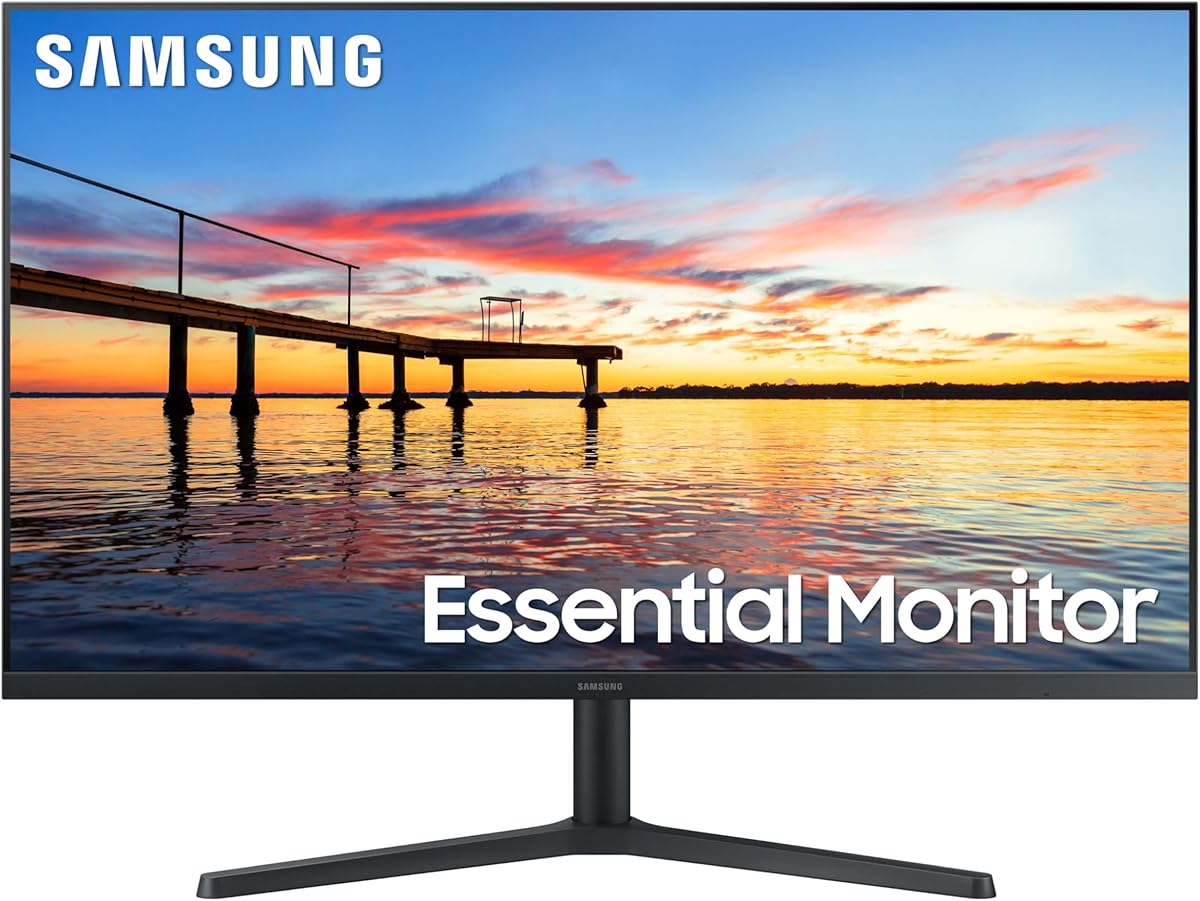
The Samsung 32 Flat Monitor provides a large viewing area that is perfect for multitasking or media consumption. Its borderless design offers a modern look and seamless integration in multi-monitor setups.
We may earn a commission when you buy through this link, at no additional cost to you.
With AMD FreeSync support and a 75Hz refresh rate, it delivers smooth visuals suitable for casual gaming and everyday computing tasks. The Eye Saver Mode helps minimize blue light to reduce strain during long sessions.
Since it lacks a USB-C port, you will need adapters to connect modern laptops without dongles. However, the large screen size and affordable price make it a compelling option for home office setups.
This monitor is ideal for users who want a big screen for browsing and media without spending a premium amount. It offers a solid balance of size and performance for general productivity.
A 32-inch screen provides ample space to view multiple windows side by side. This increases productivity by reducing the need to switch between applications constantly.
Eye Saver Mode and flicker-free technology help reduce eye strain and fatigue. This allows for extended use without discomfort during busy workdays.
We may earn a commission when you buy through this link, at no additional cost to you.
The LG 27US500-W delivers a crisp 4K experience at a price point that is very competitive for creative professionals. Its IPS panel ensures wide viewing angles and vibrant colors for an immersive experience.
We may earn a commission when you buy through this link, at no additional cost to you.
With 90% DCI-P3 color gamut expression, it is capable of displaying a wide range of colors essential for media consumption and editing. The borderless design adds to the visual appeal and keeps focus on the content.
You will need to use HDMI or DisplayPort to connect your laptop since it does not offer USB-C power delivery directly. However, the high resolution and color performance make it a strong value for the cost.
This monitor is a great option for those who want high resolution without paying for advanced connectivity. It serves as a reliable secondary display or primary monitor for text-heavy and media tasks.
The monitor covers 90% of the DCI-P3 color gamut for vibrant visuals. This ensures that content looks rich and detailed on the screen.
The ergonomic stand allows for easy tilt adjustments to optimize your viewing angle. This helps maintain good posture during extended work hours.
We may earn a commission when you buy through this link, at no additional cost to you.
The LG 27U631A-B provides a solid QHD display for users entering the world of high resolution screens on a budget. Its IPS panel ensures vivid colors and wide viewing angles that are pleasing to the eye.
We may earn a commission when you buy through this link, at no additional cost to you.
With a 100Hz refresh rate, motion appears smoother than standard 60Hz monitors. The USB-C port provides connectivity but only delivers 15W power which is enough for signal transfer but not charging your laptop.
Reader Mode helps reduce eye strain when viewing lengthy documents by mimicking a paper-like experience. This feature is useful for writers and researchers who spend hours reading text on the screen.
This monitor is ideal for users who need a good balance of resolution and cost without advanced ergonomic features. It is a practical choice for general productivity and media consumption tasks.
Reader Mode reduces blue light to provide a paper-like reading experience. This helps reduce eye fatigue during long text-based work sessions.
USB Type-C allows for a single cable connection to modern laptops. While power delivery is limited, it simplifies the physical connection to your device.
We may earn a commission when you buy through this link, at no additional cost to you.
Selecting the right monitor involves balancing resolution connectivity and color accuracy. This guide covers the essential factors to ensure you choose a display that fits your workflow.
Resolution determines how sharp text and images appear on your screen. For a MacBook Pro a 4K resolution is ideal for matching the Retina display quality but QHD can be sufficient for general tasks. Higher resolutions require more GPU power so consider your Mac's capabilities before upgrading to 4K.
Prioritize at least QHD for a balance of sharpness and performance in your daily workflow.
IPS panels offer the best viewing angles and color consistency for creative work. VA panels provide deeper blacks and higher contrast which is good for media consumption. Ensure the monitor covers at least 90% of the P3 color gamut to match the colors of your MacBook Pro.
Always check color gamut coverage to ensure accurate work for design or video projects.
USB-C connectivity simplifies your desk by allowing a single cable to handle video and power delivery. Look for monitors with at least 65W power delivery to charge your laptop while in use. Higher wattage like 90W is preferable for 16-inch MacBook Pro models.
USB-C ports with adequate power delivery reduce cable clutter and streamline your setup.
Standard monitors operate at 60Hz but higher refresh rates like 100Hz or 120Hz provide smoother motion. This is beneficial for scrolling through code or documents and reduces motion blur. While gaming isn't the primary use for MacBooks higher refresh rates improve daily fluidity.
Choose a refresh rate of 100Hz or higher for a noticeably smoother user experience.
Adjustable stands are crucial for preventing neck strain during long work sessions. Look for options that allow height tilt pivot and swivel adjustments to fit your desk setup. An ergonomic stand helps you position the screen at eye level for better posture.
Invest in a monitor with height adjustment to maintain proper ergonomics and comfort.
Some monitors come with proprietary software that helps manage color profiles and screen layouts. Features like KVM switches allow you to control multiple computers with one keyboard and mouse. Check for compatibility with macOS to ensure these features work seamlessly.
Software compatibility can enhance productivity especially if you use multiple devices.
Aesthetic design matters for a clean workspace. Minimal bezels help in multi-monitor setups while durable builds ensure longevity. A sturdy base prevents the monitor from tipping over which is important for safety.
Select a design that fits your office environment and ensures stability.
Prices vary widely from budget options to premium displays with advanced features. Set a budget based on your needs such as color accuracy for design or connectivity for multitasking. Higher prices often correlate with better build quality and warranty support.
Balance your features list with your budget to find the best value for money.
Begin by connecting your monitor to your MacBook Pro using a compatible USB-C or HDMI cable. Ensure the cables are secure to avoid signal loss and check that your display settings are adjusted to the native resolution for sharp text.
Adjust the brightness and contrast settings to match the lighting conditions in your room to reduce eye strain. Use the monitor's built-in eye care features like low blue light mode if you work for extended periods.
Keep the screen clean by wiping it with a soft microfiber cloth to prevent scratches and dust buildup. Avoid using harsh chemicals on the screen as they can damage the coating and affect image quality.
While not strictly necessary a USB-C monitor is highly recommended for simplicity. It allows you to connect your laptop and charge it with a single cable. Without USB-C you will need adapters which add clutter and potential points of failure.
A 4K resolution is the best match for the high pixel density of a MacBook Pro Retina display. It ensures text is sharp and scaling works smoothly. If 4K is too expensive QHD is a viable alternative for general use.
MacBooks use a P3 color gamut so a monitor with similar coverage ensures colors look correct. Inconsistent color gamuts can lead to prints looking different than on screen. Accuracy is vital for designers and photographers.
Yes you can connect multiple monitors via USB-C HDMI or Thunderbolt. The number of external displays depends on your MacBook model and GPU capabilities. Some MacBooks support dual 4K monitors natively.
Most modern monitors support USB-C power delivery to charge your laptop while in use. The wattage varies so check if it meets your MacBook's charging requirements. Without sufficient wattage you may need a separate charger.
Yes a higher refresh rate makes scrolling and motion look smoother which reduces eye fatigue. While not critical for basic tasks it improves the overall feel of the system. It is beneficial for productivity and media consumption.
Most monitors last between 5 to 7 years with regular use. Factors like brightness settings and heat affect longevity. Proper care such as cleaning and avoiding physical damage extends the lifespan.
We have reviewed ten top monitors ranging from premium models to budget-friendly options. Each pick offers a unique set of features to suit different workflows and budgets.
Prioritize features like resolution and USB-C connectivity based on your specific needs. If color accuracy matters choose a monitor with P3 support and factory calibration.
Remember that prices and availability change frequently so check the latest links before you buy. We hope this guide helps you find the perfect display to boost your productivity.