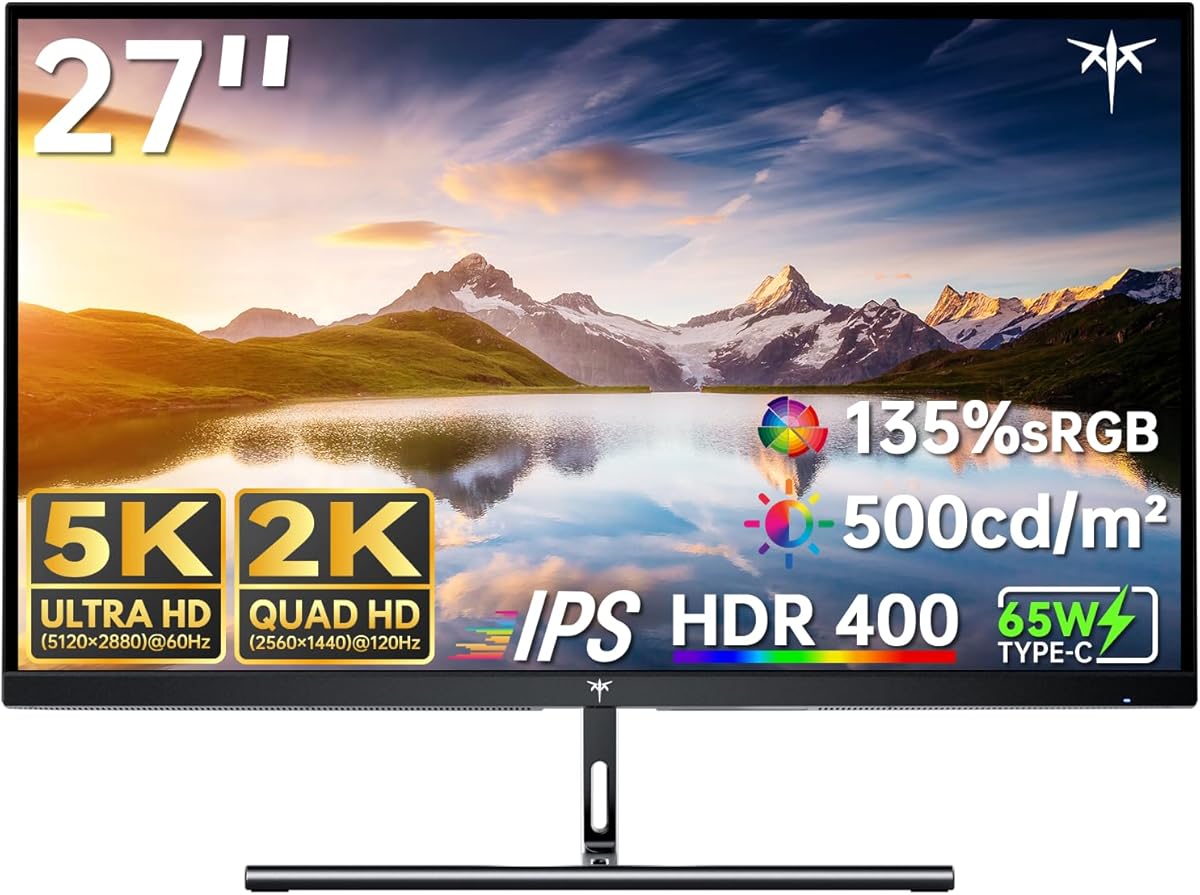
KTC 5K Monitor 27 Inch
4.4Editor score
Dual mode 5K and 2K
99% DCI-P3 coverage
65W Type-C fast charging
Choosing the right display is crucial for modern workflows. A 27 Inch 5K Monitor offers exceptional clarity and screen real estate. This resolution strikes a perfect balance between workspace and pixel density.
We evaluated leading models based on panel quality, color accuracy, and connectivity options. Our analysis focuses on real-world performance for creative tasks and gaming. Each product brings unique strengths to different user needs.
Every pick highlights specific advantages like USB-C charging or high refresh rates. Prices fluctuate frequently so check current listings before buying. Use this guide to find the ideal screen for your setup.
4.4Editor score

3.6Editor score
3.1Editor score
As an Amazon Associate we earn from qualifying purchases.
This side-by-side comparison highlights key specifications across all ten models. We focus on resolution, panel type, refresh rates, and connection options to help you decide.




This monitor stands out for professionals needing precise color and high resolution. It offers a 5K panel with factory calibration ensuring Delta E under two. The included Adobe Creative Cloud adds significant value for designers.
We may earn a commission when you buy through this link, at no additional cost to you.
The display supports 99% DCI-P3 and 100% sRGB coverage. Ambient light sensors adjust brightness automatically for consistent viewing. USB-C connectivity provides 96 watts of power delivery for laptops.
While it lacks speakers the built-in KVM saves desk space. The five-year warranty offers peace of mind for long-term use. Color accuracy remains strong across wide viewing angles.
Ideal for creative pros working on Mac or PC systems. If you need reliable color and smart features this model delivers. It balances performance and workflow efficiency effectively.
Calman verification ensures colors match industry standards right out of the box.
Single cable solution handles video data and power for Mac laptops.
We may earn a commission when you buy through this link, at no additional cost to you.
Gaming enthusiasts will love this monitor for its dual mode capabilities. You get 5K at 180Hz for visuals and QHD at 360Hz for competitive action. The Fast IPS panel delivers vivid colors.
We may earn a commission when you buy through this link, at no additional cost to you.
Response time is extremely fast reducing motion blur significantly. Adaptive sync technologies prevent tearing and stuttering during intense sessions. HDR10+ gaming optimizes brightness and contrast dynamically.
Connectivity is robust with DP 2.1 and HDMI 2.1 included. The stand adjusts height tilt and pivot for ergonomic comfort. Input options support consoles and PCs alike seamlessly.
Perfect for users wanting both stunning visuals and high speed. Whether playing AAA titles or competitive shooters this screen performs well. It bridges the gap between media and gaming.
Toggle between resolutions without needing external software configurations.
Multiple ports ensure connection to next-gen consoles and PCs.
We may earn a commission when you buy through this link, at no additional cost to you.
This gaming monitor combines high resolution with fast refresh rates effectively. Switch between 5K clarity and QHD speed depending on your game. The 0.3ms response time minimizes ghosting during fast action.
We may earn a commission when you buy through this link, at no additional cost to you.
ROG Gaming A.I. enhances visuals dynamically. Features like Dynamic Shadow Boost help players spot enemies in dark areas. USB-C supports display and charging though wattage is modest compared to pro models.
Connectivity includes DP 1.4 and HDMI 2.1 for future readiness. The tripod socket adds versatility for streaming setups. RGB lighting syncs with other ASUS components for a cohesive look.
A solid pick for streamers and gamers who want versatility. It handles productivity well too. The AI features add a competitive edge without extra cost.
Software algorithms improve game visibility without manual tweaking.
Tripod socket allows unique camera angles for content creation.
We may earn a commission when you buy through this link, at no additional cost to you.
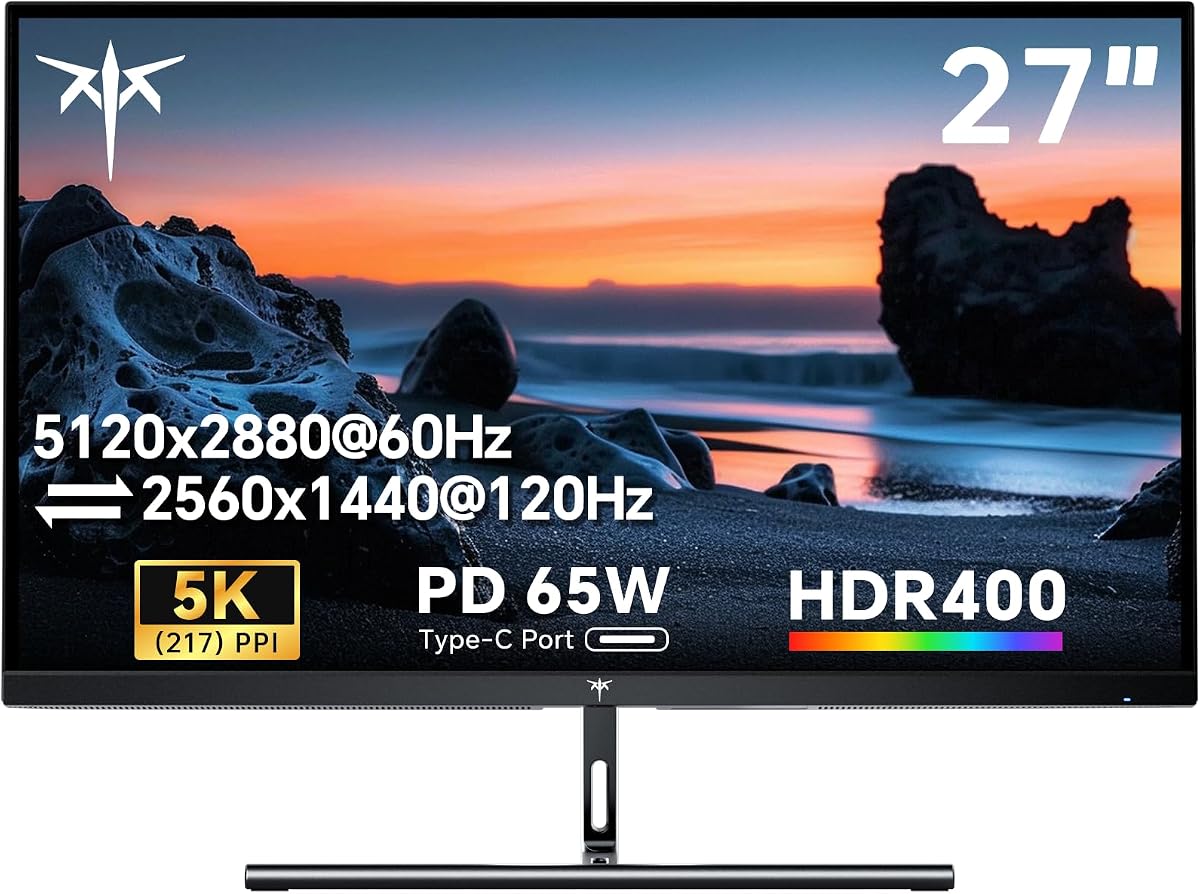
Budget conscious buyers will appreciate this monitor's Mac compatibility. It delivers 5K resolution at 60Hz or 2K at 120Hz for gaming. The Type-C port offers 65W power for laptop charging.
We may earn a commission when you buy through this link, at no additional cost to you.
Color coverage hits 135% sRGB with HDR 400 support. Eye care features reduce flicker and blue light for comfort. Adaptive Sync ensures smooth visuals without lag during tasks.
Design aligns well with Apple products aesthetically. Connectivity includes DP and HDMI options for legacy devices. The warranty provides support if issues arise.
Great for students or casual creators on a budget. It bridges the gap between affordability and high resolution. Ideal for Mac mini setups needing a larger screen.
Designed to work seamlessly with macOS color profiles.
Eye care tech helps during long work sessions.
We may earn a commission when you buy through this link, at no additional cost to you.
This model offers exceptional value for creators needing color fidelity. It supports 5K at 60Hz and 2K at 120Hz modes. The 99% DCI-P3 coverage ensures rich colors.
We may earn a commission when you buy through this link, at no additional cost to you.
USB-C provides 65W power and data transfer. Eye care tech reduces strain during extended work. Additional USB ports help connect peripherals easily.
The hardware blue light filter is effective. Brightness is decent for indoor use but not bright outdoors. Overall performance is strong for the price point.
Perfect for freelancers needing professional color without premium costs. It handles design and light gaming well. A smart buy for budget focused setups.
Wide gamut ensures prints and screens match closely.
Extra USB ports reduce cable clutter on desks.
We may earn a commission when you buy through this link, at no additional cost to you.
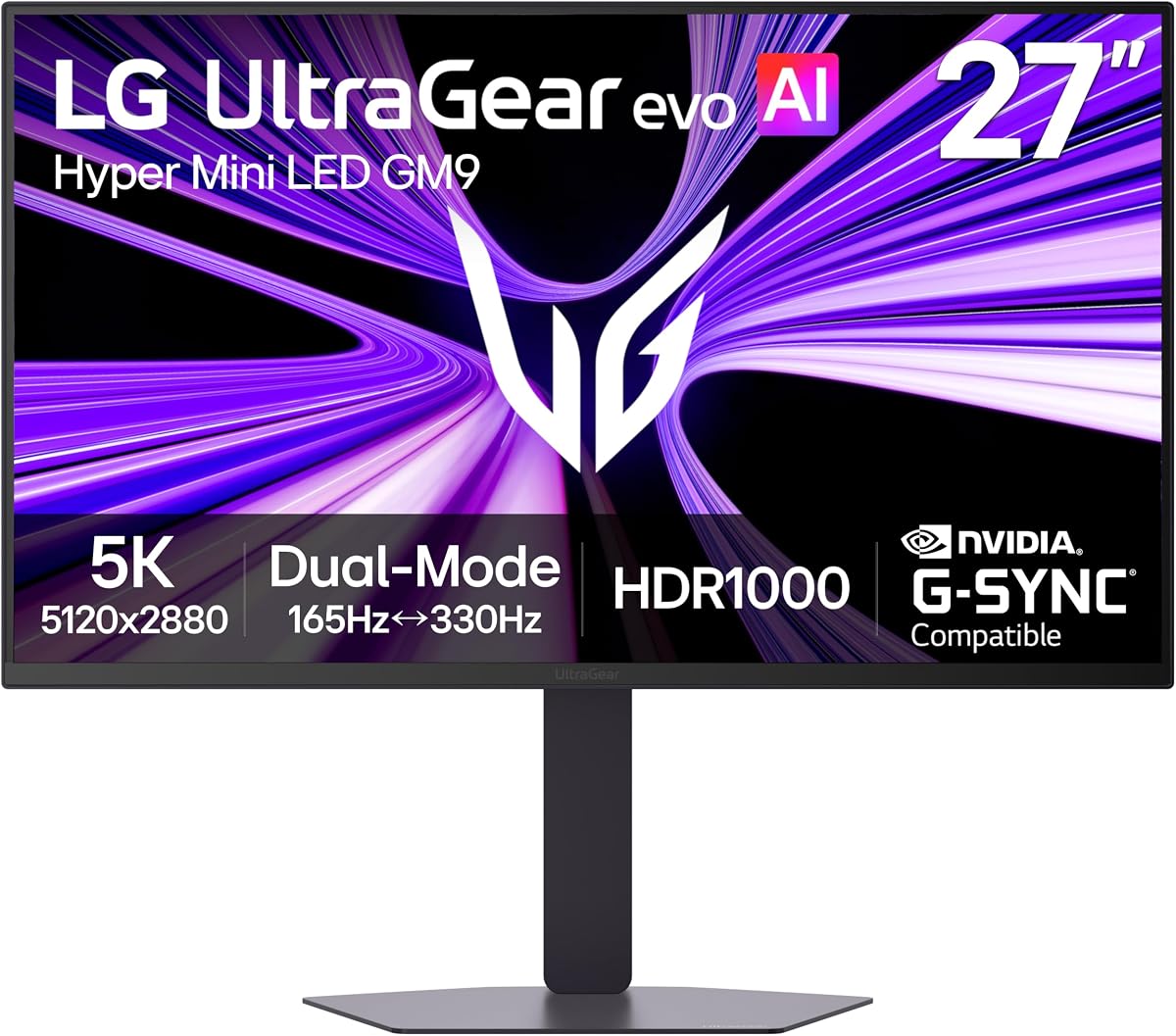
This premium monitor delivers stunning visuals with Mini-LED tech. It reaches 1250 nits for bright HDR content. The 5K resolution is sharp and detailed for gaming.
We may earn a commission when you buy through this link, at no additional cost to you.
AI Upscaling improves lower resolution content automatically. Dual mode allows 330Hz at QHD for esports. G-SYNC and FreeSync Premium Pro prevent screen tearing effectively.
Connectivity is future-ready with DP 2.1. The USB-C port handles data and charging simultaneously. Local dimming zones enhance contrast in dark scenes.
Ideal for gamers wanting top-tier brightness and speed. It supports high-end PCs and consoles. If budget allows this offers a cutting-edge experience.
High brightness makes explosions and skies look real.
Built-in processor sharpens older games without a GPU upgrade.
We may earn a commission when you buy through this link, at no additional cost to you.
This monitor focuses on comfort and productivity for office work. It features 4K resolution with 120Hz for smooth scrolling. ComfortView Plus reduces harmful blue light emissions.
We may earn a commission when you buy through this link, at no additional cost to you.
Built-in speakers offer decent audio for calls. USB-C allows a clean setup with laptop charging. The stand supports height adjustment for ergonomics.
Design is sleek and fits modern offices. Colors are vibrant with 99% sRGB coverage. It handles light gaming well but focuses on work.
Best for professionals who prioritize eye health and comfort. Ideal for writing and coding all day. A reliable choice for corporate environments.
Flicker free tech keeps eyes fresh during long shifts.
Single cable video and power reduces clutter.
We may earn a commission when you buy through this link, at no additional cost to you.
This monitor blends work and entertainment features effectively. It offers 4K UHD with HDR400 for content viewing. USB-C provides 90W power delivery for heavy laptops.
We may earn a commission when you buy through this link, at no additional cost to you.
The Switch App enhances multitasking with screen splits. Built-in speakers deliver better sound than competitors. WebOS adds streaming apps without a PC.
Color accuracy is strong with 95% DCI-P3. Connectivity is versatile with multiple USB ports. It supports both professional and casual uses well.
Great for hybrid workstations needing entertainment options. Ideal for users wanting a versatile single screen. The streaming feature adds unique value.
Built-in apps remove need for external streaming sticks.
App helps organize windows for efficient workflows.
We may earn a commission when you buy through this link, at no additional cost to you.
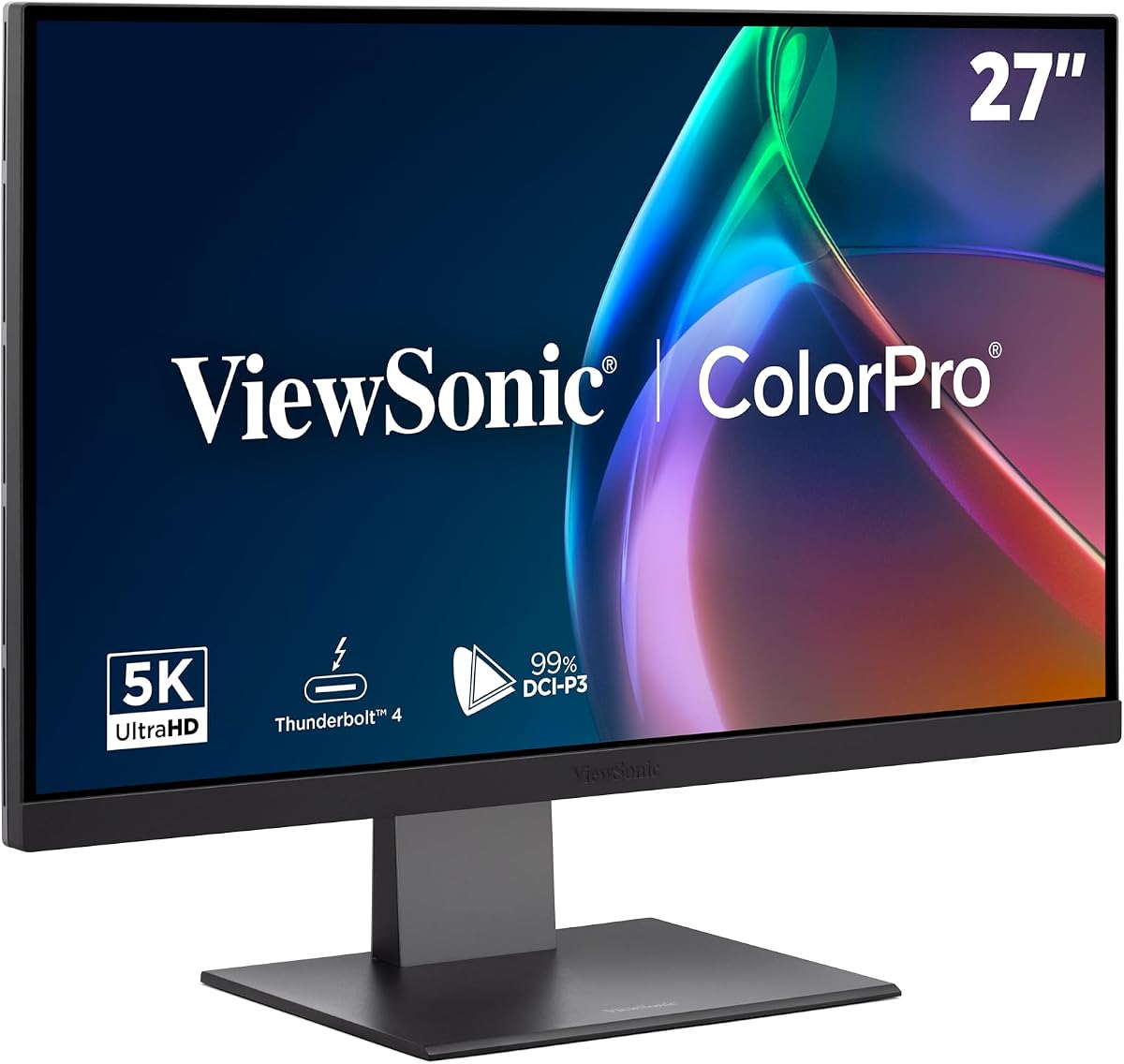
Mac professionals will find this monitor tailored to their needs. It offers Thunderbolt 4 with 90W power and daisy chaining. The Nano Matte panel reduces glare effectively.
We may earn a commission when you buy through this link, at no additional cost to you.
KVM switch simplifies multi-device workflows. Color uniformity ensures consistency across the screen. Thunderbolt supports multiple displays for expanded workspaces.
Design prioritizes functionality over flashy RGB. It fits into high-end Mac setups seamlessly. The matte finish is great for bright rooms.
Ideal for video editors and designers using Macs. It offers reliability and Mac-first features. A premium choice for Mac users.
Connect multiple displays using a single cable chain.
Nano Matte diffuses light to reduce reflections.
We may earn a commission when you buy through this link, at no additional cost to you.
This designer-focused monitor ensures color precision for output. It features Pantone Validated calibration for trust. 5K resolution matches Mac Retina displays perfectly.
We may earn a commission when you buy through this link, at no additional cost to you.
Thunderbolt 4 supports 100W charging and daisy chaining. Ergonomic adjustments help reduce neck strain during design. Connectivity covers most Mac and PC ports.
Build quality supports long hours of creative work. It delivers reliable color consistency. A strong alternative for professional workflows.
Best for designers needing verified color accuracy. Ideal for studios using Macs. It simplifies workflow with high power USB-C.
Pantone marks guarantee print to screen matching.
100W ensures laptops charge fully during use.
We may earn a commission when you buy through this link, at no additional cost to you.
Selecting a monitor involves balancing resolution, panel tech, and ports. Here are key factors to consider for your needs.
5K offers roughly 14 million pixels compared to 4K. On 27 inches this equals 218 PPI for sharp text. Check if your GPU can drive 5K smoothly.
Higher pixels mean better clarity for creative work but demand more power.
IPS panels provide wide viewing angles and color consistency. Fast IPS adds speed for gaming. Look for IPS if color is a priority.
Avoid VA if you need quick response times.
60Hz is standard for productivity. 120Hz or higher smooths scrolling. Gaming monitors go up to 360Hz in QHD.
Match rate to your workflow needs.
USB-C simplifies laptop connections with video and power. Thunderbolt 4 is faster but costly. Ensure your devices support the port.
Check cable availability for full speed.
Look for Delta E under 2 for pro work. Wide gamut like DCI-P3 improves vibrancy. Calibration ensures consistency.
Prioritize this if doing design work.
Height and tilt adjustments prevent strain. VESA mounts add flexibility. Stand quality varies by brand.
Consider desk space and viewing distance.
G-SYNC and FreeSync prevent tearing. HDR adds dynamic range. Fast response times reduce ghosting.
Check if it suits your game types.
Three to five year warranties vary. Check support response times. Online registration may extend coverage.
This protects your investment.
Install drivers and color profiles for best quality. Calibrate using software tools for precision. Keep settings balanced for eye comfort.
Use a surge protector for safety. Dust with microfiber cloth gently. Avoid harsh cleaners on the screen.
Adjust height to eye level. Set brightness matching room light. Use dark modes at night.
Yes, 5K requires significant graphics power. Use a modern GPU to drive the resolution smoothly. Older cards may struggle with 5K gaming.
USB-C supports power delivery and data over one cable. It is ideal for Mac users. HDMI is still fine for PCs.
5K offers sharper text and more workspace. If you do design work it is worth it. For gaming 4K is often enough.
Dual Mode switches between resolutions. You get 5K clarity or QHD speed. This helps balance detail and refresh rates.
Most support Mac via USB-C. Some offer specific Mac features. Check compatibility before buying to ensure full functionality.
Many include HDR400 or higher. Check if it meets your needs. True HDR requires strong brightness and contrast.
We reviewed ten top models for various needs. From budget options to premium Mini-LED there is something for everyone. Our top picks balance features and performance.
Focus on what matters most to you. Gamers need high refresh rates and pros need color. Match your budget to the right model.
Prices change so verify current listings. Read user feedback before deciding. Use this guide to pick the perfect 27 Inch 5K Monitor today.