
ASUS TUF Gaming VG249QML5A
4.4Editor score
240Hz refresh rate
Height adjustable stand
3 year warranty
Finding a reliable 24 Inch G Sync Monitor is essential for competitive gamers seeking smooth visuals without screen tearing. These displays offer high refresh rates and fast response times tailored for intense gaming sessions.
We evaluated ten top models based on panel technology, refresh speed, and sync compatibility. Each entry balances performance with build quality to ensure a seamless experience across various titles and systems.
Every pick highlights key strengths like color gamut and ergonomic stands. Note that pricing fluctuates often, so verify current deals before finalizing your purchase decision today.
4.4Editor score

4.7Editor score

4.5Editor score
As an Amazon Associate we earn from qualifying purchases.
The following table provides a side by side comparison of all ten models to help you quickly identify key specifications and features for your needs.




This Dell monitor earns high marks for its incredible 240Hz refresh rate and sharp Fast IPS panel. It delivers smooth visuals ideal for competitive gaming with minimal input lag.
We may earn a commission when you buy through this link, at no additional cost to you.
The 0.5ms response time ensures crisp motion without blur while the 99% sRGB coverage provides rich colors. FreeSync Premium eliminates tearing effectively for a seamless experience.
Though it lacks height adjustability, the tilt mechanism offers some ergonomic flexibility. The TÜV certification helps reduce eye strain during long sessions without sacrificing color quality.
Competitive players seeking speed and clarity will find this display compelling. Its balance of performance and affordability makes it a top contender in this category.
The 240Hz rate paired with 0.5ms response ensures every frame counts in fast paced shooters.
TÜV Rheinland certification reduces blue light while maintaining accurate colors for prolonged viewing.
We may earn a commission when you buy through this link, at no additional cost to you.
ASUS brings premium features with this VG249QML5A model offering a blazing 240Hz refresh and 0.3ms response. It stands out for its robust build and flexible stand.
We may earn a commission when you buy through this link, at no additional cost to you.
G-Sync Compatibility ensures smooth gameplay while ELMB SYNC reduces ghosting. The height adjustable stand supports better posture during extended competitive sessions.
Pricing is higher than average but justified by the warranty and included software. The Adobe subscription adds value for content creators alongside gaming needs.
Those needing premium ergonomics and top tier speed should consider this pick. It offers reliability and features that justify the investment for serious users.
Adjustable height and tilt allow you to customize your view for maximum comfort during long hours.
ELMB SYNC technology blends motion blur reduction with variable refresh rates for sharp visuals.
We may earn a commission when you buy through this link, at no additional cost to you.
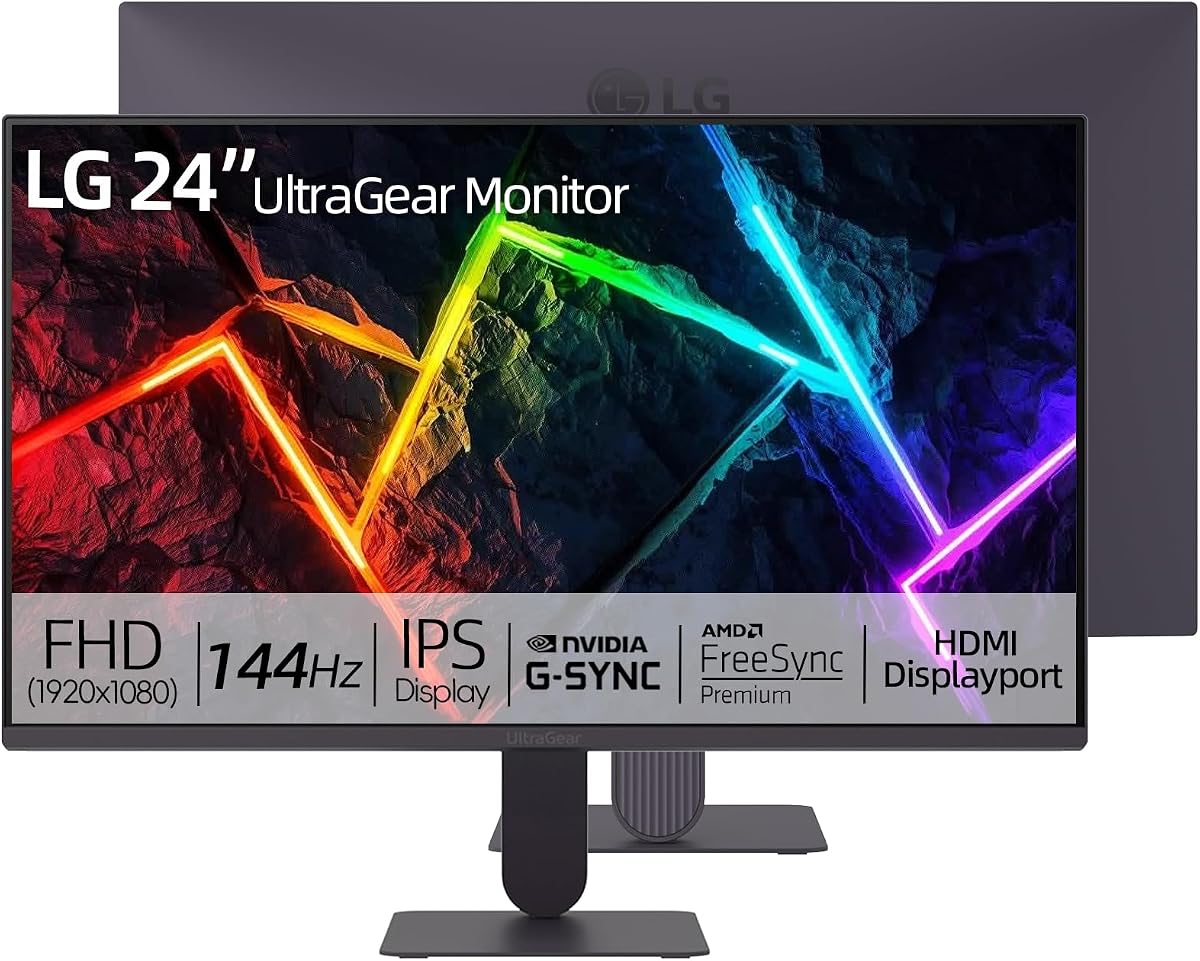
LG delivers exceptional value with this Ultragear model packing high speed into a budget friendly package. It combines vivid colors with smooth motion for an immersive experience.
We may earn a commission when you buy through this link, at no additional cost to you.
The 144Hz overclock and 1ms MBR keep action fluid without tearing. HDR10 support enhances contrast making dark scenes clearer during intense gameplay moments.
While it lacks advanced ergonomics, the slim design looks sleek on any desk. Dynamic Action Sync helps reduce input lag for faster reactions.
Budget conscious gamers wanting premium features will find this model hard to beat. It balances performance and cost effectively for most casual and competitive users.
99% sRGB coverage and HDR10 deliver rich tones that bring game worlds to life.
Dynamic Action Sync reduces input lag ensuring your commands register instantly on screen.
We may earn a commission when you buy through this link, at no additional cost to you.
This LG variant offers a native 144Hz rate and height adjustable stand for better ergonomics. It maintains the familiar Ultragear aesthetic with strong performance metrics.
We may earn a commission when you buy through this link, at no additional cost to you.
Built-in speakers provide convenience for casual use though headsets remain preferred for immersion. G-Sync compatibility ensures smooth visuals across various graphics hardware setups.
The 1ms MBR keeps motion clear though some ghosting may appear in extreme cases. Stand adjustment adds comfort for longer gaming sessions at home or office.
Users wanting stand adjustability without paying premium prices may prefer this option. It offers a solid middle ground between cost and feature completeness.
Built-in stereo speakers allow basic sound without needing external headphones or speakers.
Height and tilt adjustments help you find a comfortable viewing position easily.
We may earn a commission when you buy through this link, at no additional cost to you.
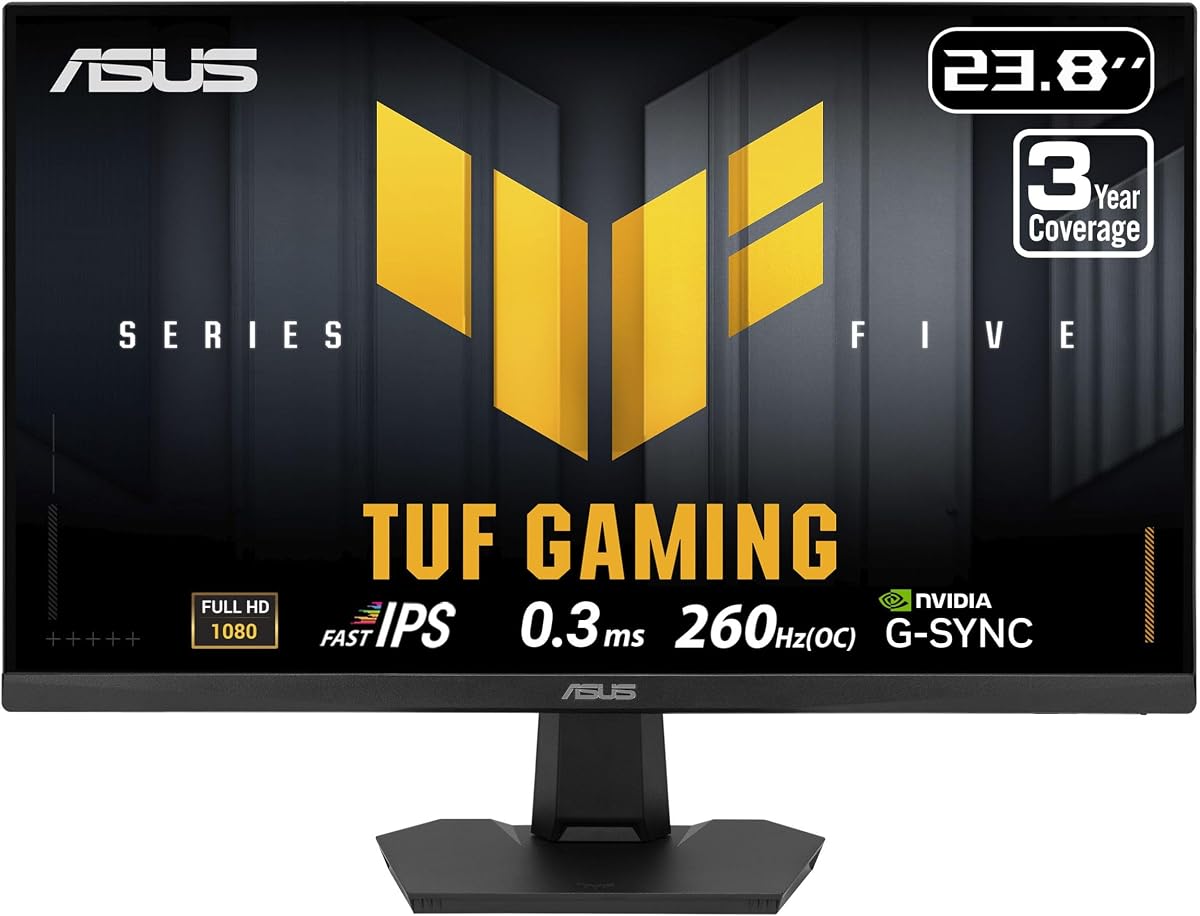
This ASUS TUF model delivers a high 200Hz refresh rate paired with a fast 0.3ms response. It targets competitive players who need speed without extra features.
We may earn a commission when you buy through this link, at no additional cost to you.
Anti-glare matte screen supports multi-system compatibility including Mac and Linux environments. The 99% sRGB gamut ensures accurate colors for general tasks and games.
While it lacks HDR, the brightness remains sufficient for typical indoor gaming rooms. Multiple ports allow easy switching between devices like consoles and PCs.
Users seeking high speeds for esports titles will appreciate this performance. Its focus on core metrics makes it efficient for focused gameplay needs.
Supports Windows Mac Chrome OS and Linux for flexible daily office and gaming use.
The 0.3ms response time minimizes motion blur for sharper images during movement.
We may earn a commission when you buy through this link, at no additional cost to you.
This LG model is praised for its reliable performance and immersive viewing experience. The 144Hz refresh rate keeps gameplay fluid while IPS ensures wide viewing angles.
We may earn a commission when you buy through this link, at no additional cost to you.
Black Stabilizer enhances visibility in dark game areas giving you an advantage. HDR10 support adds depth to visuals making environments more realistic and vibrant.
Despite lacking height adjustments, the slim bezel design fits well in multi-monitor setups. User feedback highlights strong build quality and consistent color performance.
Those prioritizing user satisfaction and color fidelity may find this a top choice. It delivers a balanced experience suitable for most gaming scenarios.
Black Stabilizer helps spot threats in low-light scenes giving you a tactical edge.
Wide 178 degree viewing angles ensure colors stay accurate from any seating position.
We may earn a commission when you buy through this link, at no additional cost to you.
This LG Ultragear model receives perfect ratings for its balanced mix of gaming and productivity. It supports multitasking with screen partitioning features alongside gaming tools.
We may earn a commission when you buy through this link, at no additional cost to you.
Dynamic Action Sync reduces input lag ensuring precise control during critical moments. The slim bezel design maximizes field of view for immersive experiences without distraction.
VESA mountability offers flexibility for custom arm setups or wall mounting options. User satisfaction remains high due to consistent performance and reliable sync support.
Those seeking a versatile monitor that works for both work and games will like this. It delivers strong value for multi-use desktop configurations effectively.
Screen partitioning and customizable layouts boost productivity by organizing windows efficiently.
VESA mount compatibility allows easy integration with third-party monitor arms for better ergonomics.
We may earn a commission when you buy through this link, at no additional cost to you.
This ASUS model stands out with a 200Hz refresh and 0.3ms response for fast action. It includes eye care features to reduce strain during long sessions.
We may earn a commission when you buy through this link, at no additional cost to you.
ELMB Sync technology reduces ghosting even at high refresh rates ensuring clarity. Low Blue Light and Flicker-Free tech protect eyes while maintaining excellent image quality.
Multiple HDMI and DisplayPort inputs allow flexible device connections for gaming PCs. VESA mount support makes it easy to customize your desk layout.
Competitive players needing high speed and eye comfort will appreciate this design. It balances performance with health considerations well for daily use.
ELMB Sync reduces ghosting during high frame rate gaming for clearer motion visuals.
Low Blue Light and Flicker-Free technologies reduce strain without impacting image quality.
We may earn a commission when you buy through this link, at no additional cost to you.
This LG monitor achieves perfect scores for reliability and consistent performance. It offers a clean design with ultra-slim bezels ideal for multi-monitor setups.
We may earn a commission when you buy through this link, at no additional cost to you.
Dynamic Action Sync ensures low latency for faster precise responses during games. Crosshair and Black Stabilizer tools enhance accuracy and visibility in darker scenes.
VESA mountability allows flexible placement while eye-care tech supports comfort. It handles multitasking well with screen partitioning for productivity alongside gaming.
Users prioritizing dependability and sleek design will find this an excellent choice. It meets both casual and competitive needs with strong overall performance.
Ultra-narrow bezels minimize distractions and maximize screen real estate for immersive viewing.
Eye-care technology reduces strain during extended use without compromising image fidelity.
We may earn a commission when you buy through this link, at no additional cost to you.
This top tier ASUS model offers an exceptional 260Hz refresh rate for ultimate speed. It includes a bonus Adobe subscription and strong warranty for added value.
We may earn a commission when you buy through this link, at no additional cost to you.
TUF Gaming AI and GamePlus features enhance gameplay with smart adjustments. The 0.3ms response ensures minimal lag for those demanding the fastest performance.
While expensive, the comprehensive warranty and creative software offset the cost. It serves professional gamers and creators needing reliable hardware and tools.
Users seeking the absolute fastest refresh rate and bundled perks will value this. It represents a high-end option for those wanting maximum performance.
The 260Hz refresh rate provides ultra-sharp fluid visuals for the most competitive gaming.
Includes a 3-month Adobe Creative Cloud subscription to assist with creative projects.
We may earn a commission when you buy through this link, at no additional cost to you.
Selecting the right monitor involves weighing several technical factors to match your specific gaming and productivity needs.
Refresh rate measured in Hertz determines how many times the screen updates per second. Higher rates like 144Hz 240Hz or 260Hz provide smoother motion which is vital for competitive shooters.
Prioritize higher refresh rates if you play fast-paced games where every millisecond counts.
Response time indicates how quickly pixels change color. Lower values such as 0.3ms or 1ms reduce motion blur and ghosting for clearer images during movement.
Look for response times of 1ms or lower to ensure sharp visuals during fast gameplay.
G-Sync Compatible and FreeSync Premium synchronize the monitor with your GPU to prevent screen tearing. This ensures fluid gameplay without stuttering on various hardware setups.
Choose a monitor with official certification for your specific graphics card brand to avoid artifacts.
IPS panels offer better color accuracy and wider viewing angles compared to TN or VA. They are ideal for mixed use involving color critical work and immersive gaming.
Select IPS for superior color reproduction and consistent viewing from different angles.
A stand with height tilt and swivel adjustments helps maintain a healthy posture. VESA mountability adds flexibility if you plan to use an external monitor arm.
Opt for adjustable stands or VESA support to reduce neck strain during long sessions.
Multiple ports like HDMI and DisplayPort allow you to connect consoles PCs and laptops simultaneously. Ensure your GPU supports the required version for high refresh rates.
Check for DisplayPort 1.4 or HDMI 2.0 to support high refresh rates without compromise.
Features like Black Stabilizer and Crosshair tools can give tactical advantages in specific games. These built-in settings reduce lag or improve aim accuracy without third-party tools.
Consider gaming-specific overlays if you play competitive shooters often needing precision.
Warranty terms and build quality affect long-term reliability. Models with extended warranties often provide better protection against panel defects or burn-in issues.
Review warranty coverage carefully to ensure peace of mind with your investment.
Ensure your graphics card drivers are updated to support G-Sync or FreeSync features. Enable the sync option through your display settings menu to eliminate tearing.
Clean the screen with a soft microfiber cloth to avoid scratches. Avoid harsh chemicals that might damage the anti-glare coating on the panel surface.
Adjust brightness and contrast based on ambient lighting to reduce eye strain. Using dark modes for applications can help preserve the panel lifespan over time.
Yes, G-Sync Compatible monitors usually support AMD FreeSync as well. This dual compatibility allows seamless synchronization across both NVIDIA and AMD hardware for smooth gameplay.
Absolutely. A 24 inch screen ensures you see the entire HUD without moving your head. This focus helps maintain peripheral vision which is critical for awareness in shooters.
Most models cover 99% sRGB ensuring accurate color for editing tasks. While speed is prioritized, these panels provide reliable visuals for design work alongside gaming.
High refresh rates make motion appear smoother and reduce blur during fast movements. This helps you track enemies and react quickly in competitive titles effectively.
Several models include HDR10 support for better contrast in compatible games. However, HDR performance varies and often benefits most from high-end graphics hardware.
Enable FreeSync in your graphics control panel and ensure your cable supports the required bandwidth. This ensures the refresh rate adjusts dynamically to prevent tearing.
We highlighted the Dell SE2426HG as the top pick for its incredible speed and reliability. The ASUS VG249QML5A leads in premium features while the LG Ultragear 144Hz offers budget-friendly value.
Prioritize refresh rates and response times based on your game genre to maximize performance. Ergonomics and color accuracy also play key roles in long-term satisfaction.
Prices fluctuate often so always check current deals before buying. Verify compatibility with your existing hardware to ensure the best experience possible.