
Canon Canoscan Lide 300
4.2Editor score
Auto Scan Mode
USB connectivity
Compact document scanner
Finding the right scanning solution can transform how you manage documents and preserve memories. A quality flatbed scanner offers versatility for photos, books, and oversized materials. Choosing one involves balancing resolution, speed, and connectivity options for your workflow.
We evaluated ten leading models based on performance, ease of use, and feature sets. Our comparison focuses on optical resolution, scan speeds, and software capabilities. This list covers a range of options from compact home units to large format business tools.
Each pick highlights key strengths and potential trade-offs to guide your decision. Review the detailed breakdowns to see which scanner fits your specific needs. Please note that availability and pricing may change over time on retailer sites.
4.2Editor score

3.7Editor score

3.7Editor score
As an Amazon Associate we earn from qualifying purchases.
This side-by-side comparison highlights the core specifications and capabilities of each model. Use this table to quickly identify which scanner meets your size and speed requirements for daily tasks.




The Epson Perfection V39 II stands out as a versatile photo and document scanner. With a 4800 dpi optical resolution it delivers sharp scans for enlargements and detailed artwork.
We may earn a commission when you buy through this link, at no additional cost to you.
Its compact footprint makes it easy to store while the high-rise lid accommodates books and albums. Features like Easy Photo Fix simplify restoring faded memories with just one click.
While it excels at photos, scanning large volumes of text documents may be slower compared to dedicated feeders. The USB power requirement limits placement options but enhances portability significantly.
This model is ideal for home users prioritizing photo quality and convenience. Its balance of features makes it a strong candidate for preserving personal archives digitally.
Easy Photo Fix technology restores color to faded images instantly, saving time on manual edits in external software.
Being USB-powered means no extra power adapter is needed, allowing you to scan on laptops or in tight spaces easily.
We may earn a commission when you buy through this link, at no additional cost to you.
The Canon Canoscan Lide 300 offers a straightforward solution for digitizing documents. Its Auto Scan Mode detects content types automatically simplifying the workflow for beginners.
We may earn a commission when you buy through this link, at no additional cost to you.
This unit is particularly suited for occasional use due to its compact build and ease of setup. It handles standard papers well without requiring complex configuration steps.
Advanced features like high-resolution photo scanning are limited here compared to premium models. However, for basic document needs it remains a cost-effective choice for many households.
We recommend this for users needing simple document capture on a budget. It provides reliable performance without unnecessary complexity or heavy software requirements.
Auto Scan Mode removes guesswork by identifying what you place on the glass and adjusting settings automatically for optimal results.
No external power supply is needed since USB connection provides all necessary energy making setup quick on any computer desk.
We may earn a commission when you buy through this link, at no additional cost to you.
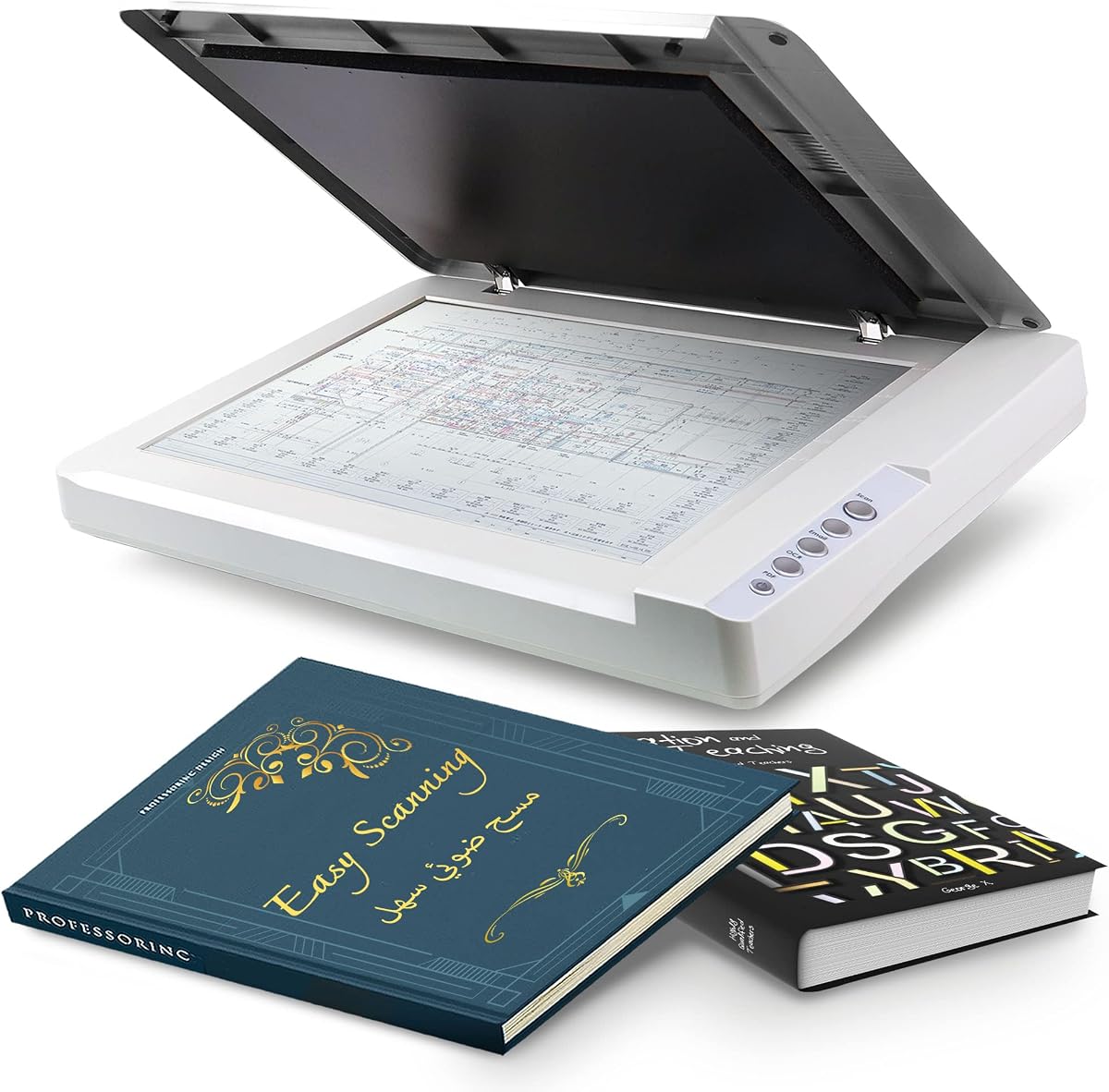
The VIISAN 3120 A3 excels at handling oversized documents like blueprints and large posters. Its frameless design allows edge-to-edge scanning which is crucial for preserving margins on large papers.
We may earn a commission when you buy through this link, at no additional cost to you.
Scanning an A3 color document takes about eight seconds at 200 dpi providing good speed for office environments. The LED light source ensures quick starts without waiting for a warm-up phase.
Users should note that the CIS sensor works best on flat papers rather than thick or 3D items. Maximum resolution settings often require specific software drivers to function fully on all systems.
This scanner is perfect for schools or businesses needing to digitize large formats efficiently. Its balance of speed and size coverage makes it a practical tool for institutional use.
The frameless glass allows scanning right up to the edge of documents ensuring no critical information is cut off at margins.
Auto-Scan function starts immediately when the lid closes allowing continuous scanning sessions without manual button presses for each page.
We may earn a commission when you buy through this link, at no additional cost to you.
The VIISAN VF3240 A3 focuses on speed for large format documents. Claiming four-second scans for A3 color at 200 dpi it targets high-volume office workflows needing quick turnaround.
We may earn a commission when you buy through this link, at no additional cost to you.
Resolution up to 2400 dpi captures intricate details useful for CAD drawings and technical plans. The frameless design ensures full capture of wide materials without cropping edges.
Performance can vary by operating system and driver used for maximum resolution. Users on Windows may see lower DPI limits with standard drivers compared to native MacOS support.
For engineering firms or design studios requiring rapid digitization this model offers significant time savings. Its specialized features justify the cost for professional environments.
Four-second scan times drastically reduce wait periods for large blueprints increasing overall productivity during busy workdays.
To achieve full resolution features check your operating system requirements as standard drivers may limit DPI options on Windows machines.
We may earn a commission when you buy through this link, at no additional cost to you.
The Epson Perfection V19 II is designed for efficient photo scanning in small spaces. Its kickstand allows vertical placement which saves valuable desk space when not in use.
We may earn a commission when you buy through this link, at no additional cost to you.
Like its sibling the V39 II it offers high resolution for preserving images. OCR capabilities convert scanned text into editable formats adding versatility for document management.
The smaller platen limits what can be scanned at once compared to larger models. This unit is best suited for individual photos or single page documents rather than large files.
Ideal for home offices with limited room it delivers quality results without clutter. The balance of portability and features makes it a smart pick for casual users.
Built-in kickstand allows vertical storage which keeps your workspace tidy and protects the scanner when not actively being used.
Built-in optical character recognition lets you convert scanned text documents into editable Word or Excel files instantly.
We may earn a commission when you buy through this link, at no additional cost to you.
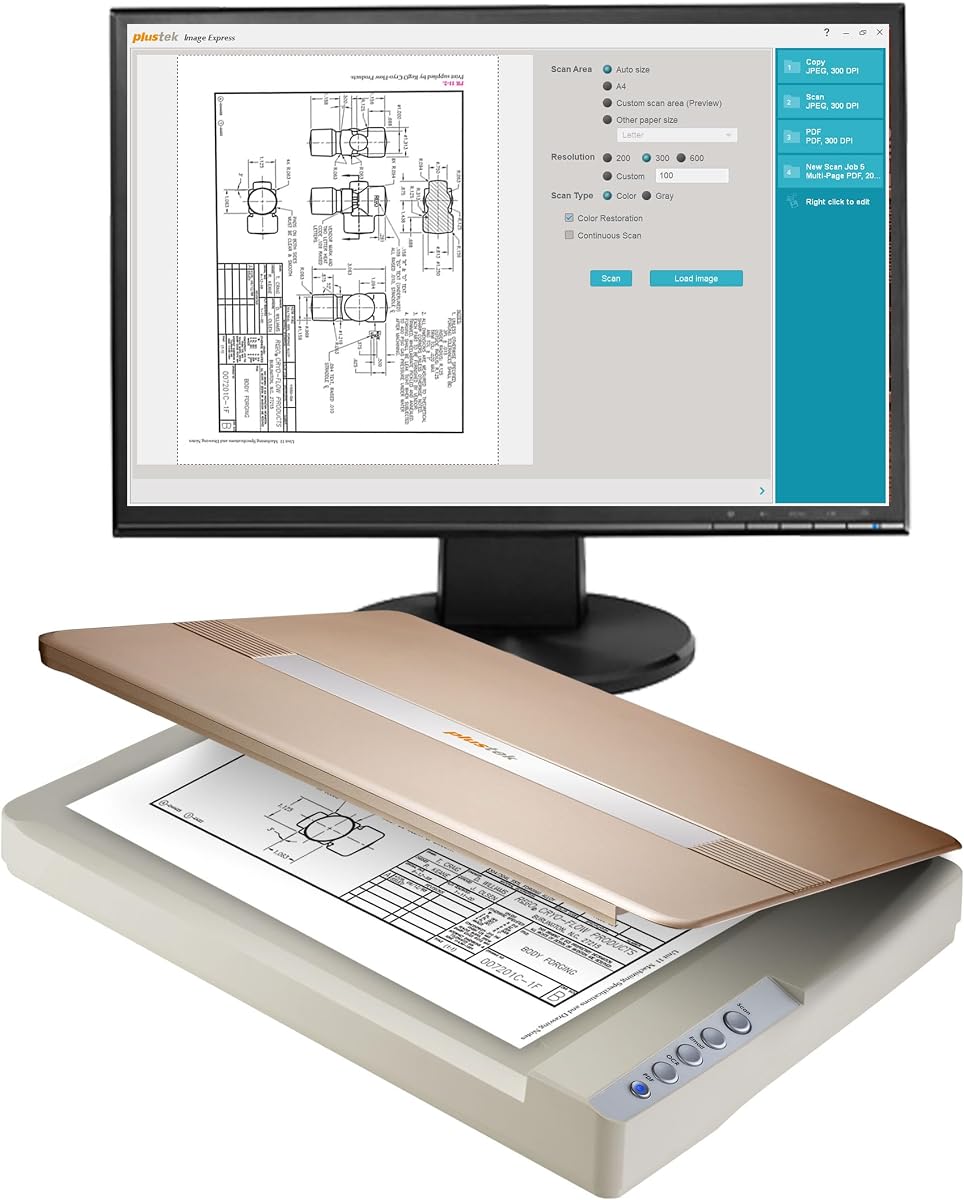
The Plustek OpticPro A320E handles large documents and oversized materials with ease. Its wide scan bed accommodates maps and bound books that standard units cannot process.
We may earn a commission when you buy through this link, at no additional cost to you.
Document management features like Doc Action streamline saving to various formats including email or cloud folders. Batch scanning allows multiple images to be saved as single PDF files efficiently.
Performance is adequate but not as fast as dedicated office feeders due to the flatbed nature. Linux users should verify driver availability before purchase as support varies by seller.
This scanner suits small businesses needing to archive large records regularly. Its robust capabilities for wide formats justify the extra space it occupies.
Doc Action software simplifies saving scanned files to multiple destinations like email or FTP folders automatically after scanning.
Multiple separate images can be saved into one single PDF file reducing file management overhead for large document sets.
We may earn a commission when you buy through this link, at no additional cost to you.
The Plustek OpticSlim 1680 prioritizes speed for tabloid size documents. It can scan large color pages in about five seconds making it suitable for high volume needs.
We may earn a commission when you buy through this link, at no additional cost to you.
One-Key operation with four pre-configured buttons simplifies sending files to different destinations. The intuitive interface allows quick adjustments through dual view advanced settings.
As a flatbed it lacks an automatic document feeder which limits continuous workflow efficiency. Users must manually place each item on the glass to scan.
This model is recommended for offices needing quick scans of large papers without automation. Its speed and ease of use provide good value for specific workflows.
Pre-configured buttons let you touch one key to send scans to specific destinations saving time on manual file saving steps.
Dual view settings let you preview and adjust image effects before finalizing scans ensuring output quality meets your standards.
We may earn a commission when you buy through this link, at no additional cost to you.
The Plustek OS1180 offers a balance of speed and color accuracy for office graphics. Scanning an A3 document takes around nine seconds which is competitive for flatbeds.
We may earn a commission when you buy through this link, at no additional cost to you.
High 48-bit color depth ensures rich reproduction for graphics and art pieces. The LED light source consumes less energy and requires no warm-up time before use.
Lack of automation like ADF means it requires manual handling for every item. This makes it less suitable for high volume text scanning compared to sheet fed models.
Recommended for small offices handling mixed document and image types. Its reliability and ease of use support daily archival tasks effectively.
LED light source reduces power consumption and eliminates warm-up time allowing instant scanning whenever needed without delay.
48-bit color depth captures subtle variations in artwork and photos for rich and accurate digital reproductions.
We may earn a commission when you buy through this link, at no additional cost to you.
The Epson DS-1630 combines a flatbed with an automatic document feeder for versatile workflows. The ADF allows scanning stacks up to 50 pages quickly and efficiently.
We may earn a commission when you buy through this link, at no additional cost to you.
Duplex scanning captures both sides of a page simultaneously reducing handling and improving speed for text documents. Ethernet connectivity integrates easily into existing network environments.
While powerful it is larger and more complex than simple flatbeds. The cost reflects added features that might be unnecessary for photo only users.
This scanner fits business offices needing rapid digitization of mixed media. Its hybrid design supports both bulk documents and delicate items.
Duplex scanning captures both sides of documents in one pass saving time and reducing physical handling of paper stacks.
Ethernet port allows network connections enabling multiple users to access scanner functions remotely without direct computer connection.
We may earn a commission when you buy through this link, at no additional cost to you.
The Plustek OpticSlim 2700 delivers exceptional speed for everyday scanning tasks. A color scan takes about three seconds at 300 dpi providing rapid output for quick needs.
We may earn a commission when you buy through this link, at no additional cost to you.
One-touch buttons facilitate direct saving to PDF formats which simplifies sharing and storage. Built-in processing tools like Auto Rotate correct images without extra steps.
The scanning area is smaller than A3 models limiting use for large documents. It is primarily suited for standard page sizes and quick digitization needs.
Ideal for home offices or students needing quick digital copies. Its speed and simplicity make it a reliable daily tool.
Three-second scan times mean you can quickly digitize pages without waiting for processing to finish.
Built-in PDF button saves scanned images directly as files ready for email or printing without extra software steps.
We may earn a commission when you buy through this link, at no additional cost to you.
Selecting the right scanner depends on your specific document types and workflow needs. Consider resolution, speed, and connectivity to find the best fit.
Optical resolution determines the detail level of your scans. Higher DPI values like 4800 are better for photos while 600 often suffices for text.
Look for high optical DPI if you plan to enlarge photos or scan fine details in artwork.
Scan speed affects productivity especially for bulk digitization. Models with LED lights often start faster due to no warm-up time required.
Prioritize faster models if you frequently scan many large pages regularly.
Standard flatbeds usually handle letter size but some offer A3 capabilities for large documents. Check dimensions to ensure your materials fit comfortably.
Choose a larger bed if you scan posters or architectural plans often.
USB power is great for portability while Ethernet supports shared network access. Ensure the scanner works with your computer systems.
Select networked models for multi-user office environments.
Included software should support OCR and direct PDF creation. This reduces the need for external tools and streamlines workflow.
Verify software compatibility with your operating system before purchasing.
An Automatic Document Feeder is essential for bulk text scanning. Flatbeds alone require manual placement which slows down large tasks.
Opt for hybrid models if handling stacks of paper regularly.
A longer warranty period indicates confidence in product durability. Look for at least one year coverage to protect your investment.
Check for local service availability in case repairs are needed.
Physical buttons for one-touch scanning simplify operations for all users. A user-friendly interface reduces errors during daily use.
Choose models with intuitive controls if you need quick scans often.
Always start by installing the latest drivers from the manufacturer's website. Ensure software settings match your output needs for best results.
Clean the glass surface gently with a lint-free cloth to avoid streaks. Dust or smudges can cause visible lines in your scans.
Close the lid securely before scanning to reduce external light interference. Store the unit upright to save space and protect it from dust when not in use.
For high-quality photo archiving aim for at least 600 dpi. If you plan to print enlarged versions 1200 dpi or higher is recommended to preserve details.
Many flatbed scanners feature a removable lid allowing you to scan around the spine. This avoids damaging hardbound books while capturing full page content.
White lines often indicate dust on the glass or sensor. Clean the glass carefully with a soft cloth to resolve this issue quickly.
Most mainstream models support Linux through SANE or TWAIN drivers. Check specific product pages to confirm compatibility before buying.
Use the provided OCR software to convert text images into searchable documents. This feature is usually available in the bundled software suite.
USB power suffices for most flatbed units providing convenience and portability. However high-end models may require external power for consistent performance.
We highlighted ten top models ranging from compact photo scanners to large format solutions. Each option caters to different needs whether you need speed or resolution.
Prioritize resolution if photo preservation is your main goal. For office use consider speed and automation features to boost productivity.
Always verify current availability and pricing on retailer sites before buying. This ensures you get the best deal for the model that suits you.