
Bootable USB Drive for Windows 11
4.0Editor score
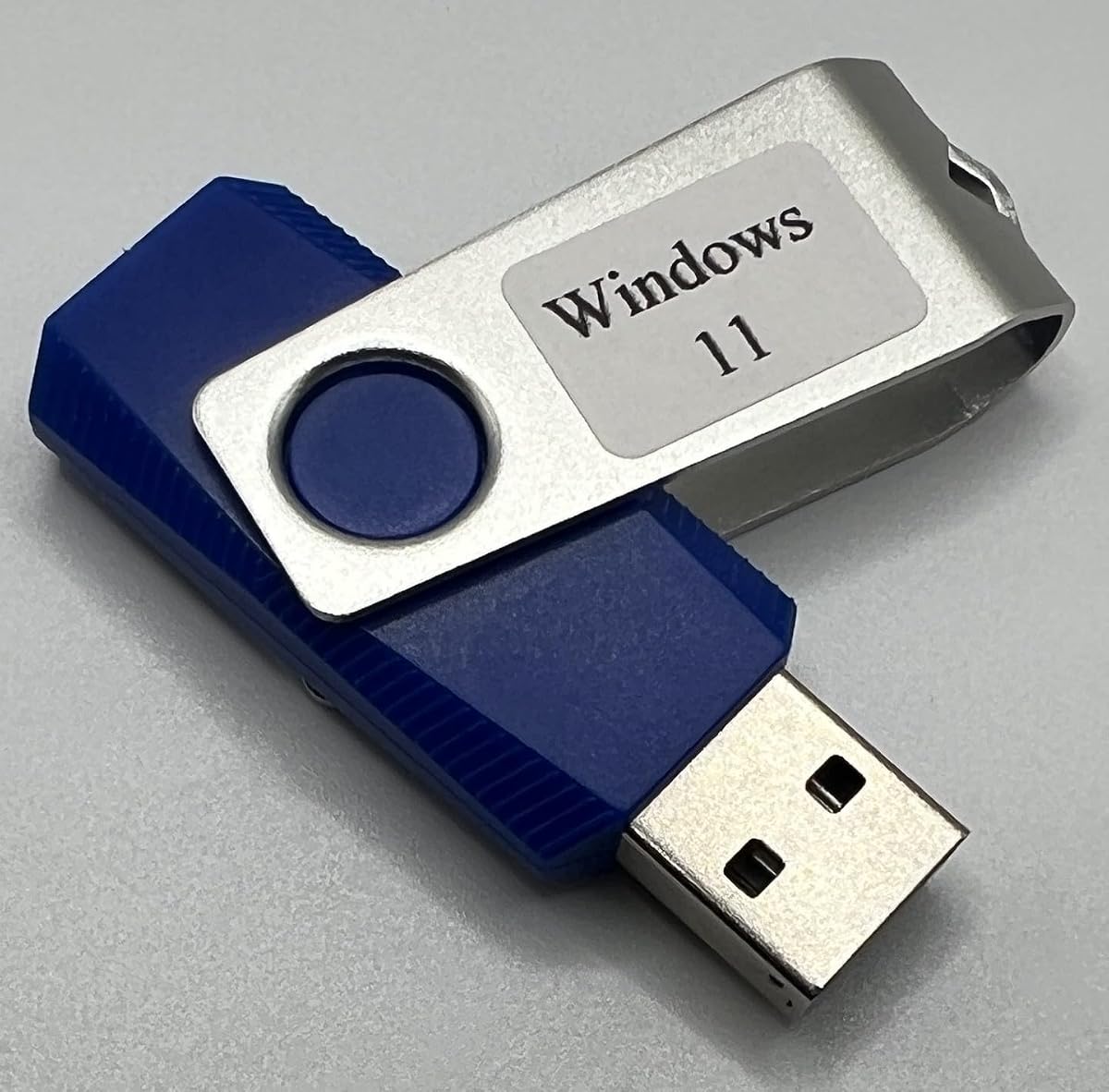
8GB Installer
UEFI/Legacy Compatible
Handmade in Texas
This guide compares the top Bootable Windows 11 USB Drive options for system repair, installation, and recovery across various hardware configurations and
Finding a reliable Bootable Windows 11 USB Drive is essential for anyone needing to reinstall or repair their operating system quickly. These tools bypass hardware restrictions and provide immediate access to recovery environments.
We evaluated ten top-rated products based on compatibility, included utilities, and ease of use. Our analysis focuses on drives that support UEFI and Legacy modes while offering robust recovery features.
Each pick highlights key strengths and limitations to help you choose the right drive for your needs. Please note that prices and availability change frequently so verify current details before purchasing.
4.0Editor score

4.3Editor score

4.2Editor score
The following table provides a side-by-side comparison of all ten products to help you identify the best fit for your specific system requirements and budget constraints.




This drive holds a strong rating of 4.3 stars and stands out for its comprehensive toolset. It supports Windows 11 down to 7 without needing TPM hardware which is ideal for older machines.
We may earn a commission when you buy through this link, at no additional cost to you.
Users appreciate the included network drives for Wi-Fi and LAN access during installation. The USB also offers hard drive partitioning and data recovery features making it a full maintenance tool.
Be aware that existing Windows cannot be kept during reinstallation and automatic repair is not supported. You must disable Secure Boot in BIOS to boot from this USB successfully.
This product is perfect for technicians needing a reliable installation and recovery medium. It balances ease of use with deep system utilities at an affordable price point.
The drive includes tools for partitioning and data recovery ensuring you can manage your storage before reinstalling.
Included network drivers mean you can connect to the internet immediately after installation without needing another PC.
We may earn a commission when you buy through this link, at no additional cost to you.
Rated at 4.0 this drive is ideal for users who need a straightforward installation medium without extra features. It focuses purely on setting up Windows 11 without TPM restrictions.
We may earn a commission when you buy through this link, at no additional cost to you.
It is made by a family-owned business in Texas and offers reliable performance for basic installs. The drive works with UEFI and Legacy systems covering most modern and older PCs.
The limitations include no hardware repair capabilities beyond basic setup so it cannot fix dead motherboards or bad RAM. Ensure your PC can enter BIOS before purchasing this tool.
Choose this option if you want a no-fuss installer that does not cost much. It is best for users with healthy hardware needing only OS replacement.
This drive strips away complex tools to offer a clean installation experience for straightforward system setups.
Tested and handmade in a local tech shop ensuring quality control before shipment to customers.
We may earn a commission when you buy through this link, at no additional cost to you.
With a 4.2 rating this drive offers solid compatibility for Windows 10 and 11 on various brands. It provides essential network drivers and partitioning tools out of the box.
We may earn a commission when you buy through this link, at no additional cost to you.
You can access and backup your hard drive data before reinstalling which adds a layer of safety during repairs. The latest OS versions are included ensuring you do not install outdated copies.
It does not support automatic repair functions and requires you to disable Secure Boot to boot. Installation errors are usually hard drive related so contact support if issues persist.
This drive is a balanced choice for users who want to backup data while reinstalling. It works well across many brands without needing complex configurations.
The ability to access and backup hard drive data ensures your files are safe before a fresh install.
Designed to be compatible with all major computer brands simplifying the process for mixed environments.
We may earn a commission when you buy through this link, at no additional cost to you.
Rated 4.2 this drive offers premium utilities including password reset and hardware testing options. It covers a wide range of Windows versions from 7 up to 11 comfortably.
We may earn a commission when you buy through this link, at no additional cost to you.
It includes specific tools for resetting Windows passwords and backing up data which adds significant value for maintenance tasks. The presence of video tutorials makes it accessible for beginners.
Like others it does not support automatic repair and may require disabling Secure Boot. Ensure your system can enter the BIOS to use this tool effectively.
This is the best choice for those needing advanced troubleshooting beyond basic installation. The premium tools justify the cost for more complex system recovery scenarios.
Included hardware testing and password reset tools allow for deeper diagnostics before reinstalling the system.
Video tutorials included with the product help users navigate the boot process easily without external help.
We may earn a commission when you buy through this link, at no additional cost to you.
This unique drive works with Secure Boot enabled eliminating the need to change BIOS settings. It is designed for modern 64-bit systems running Windows 11 or 10.
We may earn a commission when you buy through this link, at no additional cost to you.
It downloads genuine Windows directly from Microsoft ensuring no outdated or pirated ISOs are installed. This guarantees a clean system without legal or security issues.
The main drawback is the lack of Legacy BIOS support meaning older PCs from before 2013 may not be compatible. Ensure your machine has UEFI BIOS before purchasing.
It is the ideal choice for users on newer PCs who want a hassle-free setup process. The US-based support adds reliability for any issues during installation.
By downloading official images directly from Microsoft you ensure system security and compliance.
Designed specifically for UEFI BIOS systems found on most modern laptops and desktops.
We may earn a commission when you buy through this link, at no additional cost to you.
Rated 3.9 this drive offers essential recovery tools for Windows 11 including system restore and fresh installation options. It handles common issues like blue screens effectively.
We may earn a commission when you buy through this link, at no additional cost to you.
It includes detailed instructions for setup which helps users who are unfamiliar with boot menus. The drive is UEFI compliant ensuring it works on most modern computers.
While functional it lacks the advanced utilities found in higher rated models and focuses on basic repairs. It is a straightforward tool for fixing boot issues without complexity.
This option suits users who need a reliable boot medium for specific Windows 11 issues. It is good for simple restores and fresh installs.
The included tools help resolve performance issues by restoring the system to a working state.
Comprehensive guides ensure you can set up the boot process without needing external support.
We may earn a commission when you buy through this link, at no additional cost to you.
This product stands out by including a license key for installation which saves extra purchase steps. It provides 64GB of storage and various tools like password recovery.
We may earn a commission when you buy through this link, at no additional cost to you.
It supports the latest versions and includes tools for hardware testing and data recovery ensuring thorough maintenance. Instructions guide you through the process clearly for easier usage.
You may need to disable Secure Boot temporarily on newer systems to boot successfully. The lower rating suggests mixed user experiences with reliability.
It is best for those needing a license key along with installation media. The included tools add value if you have the technical skills to use them.
The included license key reduces the steps needed to activate your new Windows installation.
Hardware testing and data recovery options provide a full maintenance toolkit on one drive.
We may earn a commission when you buy through this link, at no additional cost to you.
Rated 4.2 this drive combines installation media with a full WinPE utility suite for repairs. It handles password recovery and startup problems effectively in one package.
We may earn a commission when you buy through this link, at no additional cost to you.
It offers all-in-one functionality so you do not need multiple discs for install and repair. The video guide and printable instructions make it accessible for first-time users.
You may need to disable Secure Boot on some systems to access the tools. Ensure your system is 64-bit for full compatibility with Windows 10 and 11.
This is an excellent choice for a single drive solution covering install and repair needs. The utilities add significant value for routine maintenance tasks.
Combining installation and repair tools saves time by eliminating the need for multiple media.
The ability to recover user accounts ensures you can regain access even if credentials are lost.
We may earn a commission when you buy through this link, at no additional cost to you.
With a 4.0 rating this drive offers compatibility across multiple Windows versions from 7 to 11. It is ready to use without needing to create bootable media first.
We may earn a commission when you buy through this link, at no additional cost to you.
It helps keep older PCs useful by offering maintenance tools that extend their lifespan. The drive supports UEFI or Legacy booting covering a wide range of hardware.
No license key is included so you must have your own activation for installation. It focuses on providing a flexible platform for various system needs.
Choose this drive if you need to support multiple operating systems. It is a versatile tool for general maintenance and installation tasks.
No need to download files as the media is preloaded and ready for immediate use.
Maintenance tools help maintain older computers delaying the need for expensive replacements.
We may earn a commission when you buy through this link, at no additional cost to you.
Rated 3.8 this drive focuses on simplicity with a clean original version of Windows 11. It ensures reliability by using professional production tools for quality.
We may earn a commission when you buy through this link, at no additional cost to you.
It is compatible with all PC brands and desktops making it universally accessible. The 100% clean guarantee ensures no spyware or viruses are present.
It offers plug and play convenience but lacks advanced recovery tools found in larger drives. The support services help if you need extra assistance during setup.
This is a solid option for users needing a clean reinstall of Windows 11 specifically. It prioritizes safety and compatibility over complex utilities.
The focus on a 100% clean system ensures security and performance from the start.
Compatibility with all major brands makes it a versatile tool for any computer.
We may earn a commission when you buy through this link, at no additional cost to you.
Selecting the right drive depends on your hardware and repair needs.
Look for at least 16GB to hold the latest ISO files and tools. USB 3.2 drives offer faster transfers which reduces installation time.
Aim for 32GB or more if you need space for backups or additional recovery software.
Ensure the drive supports your specific Windows version whether it is 11 10 or older systems. Compatibility with Pro and Home editions is often standard.
Confirm it covers the architecture you need such as 64-bit systems for modern PCs.
Modern PCs use UEFI BIOS while older machines rely on Legacy modes. A versatile drive supports both to ensure you can boot on any computer.
Check if the product explicitly mentions support for both modes to avoid boot failures.
Windows 11 often requires TPM but bootable drives can bypass this for older hardware. Look for options that explicitly state No TPM Required.
This feature is essential if you are installing on a PC that does not meet official Microsoft hardware standards.
Beyond installation some drives offer password reset data recovery and partitioning tools. Decide if you need these maintenance features or just a clean install.
Drives with WinPE suites provide a robust environment for troubleshooting without entering Windows.
Some drives require disabling Secure Boot in BIOS to function while others support it by default. Check product specs to see if you need to change BIOS settings.
Support for Secure Boot simplifies the process on modern systems where security features are enabled.
After installing Windows you may lack network drivers to connect to the internet. Drives that include Wi-Fi and LAN drivers ensure immediate connectivity.
This prevents the need for a second device to download drivers after a clean install.
Boot processes can be complex so videos or clear guides are valuable. Look for packages that include step-by-step tutorials for accessing the boot menu.
This reduces the learning curve for first-time users setting up a new drive.
Start by inserting the USB into a working computer and checking the boot menu. Restart your machine and press the key like F12 or F2 to select the USB device.
Follow the on-screen prompts to install or repair Windows. Ensure you back up important data before proceeding since reinstalling may erase files.
After use store the drive in a safe place away from heat and moisture. Regularly scan it with antivirus software to ensure it remains clean for future use.
Most drives do not include a license key so you will need your own activation key to activate Windows. However some tools allow you to install the OS first and activate later.
Yes many of these drives are specifically designed to bypass TPM requirements. This allows you to install Windows 11 on hardware that does not meet official specifications.
UEFI is the modern standard for PCs while Legacy is used by older systems. Choosing a drive that supports both ensures compatibility with a wider range of computers.
Some drives require you to disable Secure Boot in BIOS while others support it. Check the product details before purchasing to avoid configuration issues on your PC.
Many include tools that allow you to access and backup data before reinstalling. However they cannot fix physical hardware failures so use them for logical recovery tasks.
Yes most drives support both Pro and Home editions of Windows. They provide the same installation media for either version allowing flexibility in setup.
Common keys include F12 F8 F2 or Esc depending on your manufacturer. You can find this information in your BIOS manual or by searching your PC model online.
These top ten options provide a range of tools for installation and recovery tasks. The Editor's Choice balances utility with performance while budget picks offer simple installers.
Prioritize drives that support your specific boot mode and include necessary drivers. Tools with password reset and backup features add significant value for maintenance needs.
Always verify your hardware compatibility and current pricing before purchasing. With the right drive you can quickly restore your system and get back to productivity.