
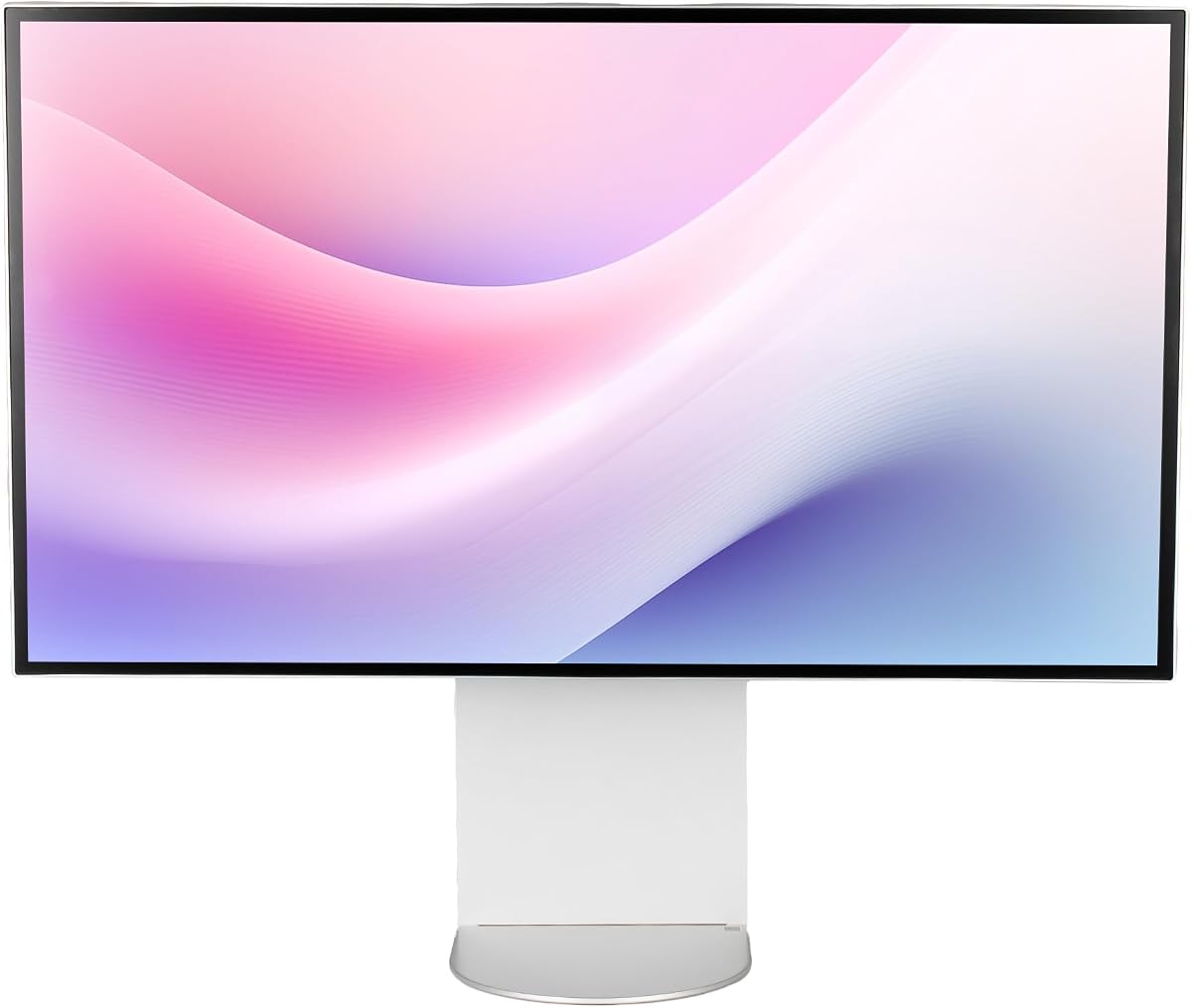
ALOGIC Clarity Touch Series
5.0Editor score
Worlds first 6K touchscreen
Includes Active Stylus
Factory calibrated color
Finding the perfect display for creative work or gaming requires precision. A 32 Inch 6K Monitor offers unmatched pixel density and clarity. These screens deliver sharp text and vibrant colors essential for detailed tasks.
We evaluated ten top models based on resolution, color gamut, and connectivity. Our comparison focuses on real-world performance for pros and enthusiasts. Each entry highlights key strengths and potential trade-offs for your setup.
Every pick includes specific details on panel tech and ports. Prices fluctuate frequently so check current listings before buying. We aim to help you choose the right high-resolution display for your needs.
5.0Editor score

3.8Editor score

3.2Editor score
As an Amazon Associate we earn from qualifying purchases.
This table provides a side-by-side overview of all ten models. We highlight resolution, panel type, and key ports to help you compare specs quickly.


The LG UltraFine evo stands out as a leading choice for professionals needing extreme clarity. With a 32 inch 6K panel, it offers over 21 million pixels. This density ensures text is razor sharp for coding or writing.
We may earn a commission when you buy through this link, at no additional cost to you.
Its Nano IPS Black technology delivers deeper blacks than standard IPS. The 2000:1 contrast ratio enhances visual depth significantly. Thunderbolt 5 connectivity allows for ultra fast data transfer and daisy chaining.
While expensive, the performance justifies the cost for serious creatives. The color accuracy meets strict industry standards. Some users may find the bezel slightly thick but functionality is key.
This monitor is ideal for video editors and designers. It supports full resolution workflows without scaling. We recommend it for those needing a future-proof workstation hub.
Thunderbolt 5 provides speeds twice as fast as Thunderbolt 4.
DisplayHDR 600 certification ensures bright highlights and true details.
We may earn a commission when you buy through this link, at no additional cost to you.
ASUS ProArt delivers reliable color performance straight out of the box. It features factory calibration with Calman Verified certification. This makes it a top choice for print and photo professionals.
We may earn a commission when you buy through this link, at no additional cost to you.
The MacBook Color Matching mode ensures seamless workflow for Mac users. You can trust the colors match your laptop screen. The dual Thunderbolt 4 ports provide robust connectivity for docks.
Gaming is not the focus here as refresh rates are standard. However, productivity tools like KVM switching add significant value. The included Adobe Creative Cloud trial is a nice bonus.
This model is perfect for designers who need consistent output. It simplifies color management tasks. We suggest it for studio environments requiring precision.
98% DCI-P3 coverage ensures vibrant and accurate hues.
Auto KVM switch simplifies control between two devices.
We may earn a commission when you buy through this link, at no additional cost to you.
Samsung brings high resolution to gaming with this Odyssey model. It supports 6K at 165Hz for immersive visuals. This is rare for 6K displays which usually focus on static work.
We may earn a commission when you buy through this link, at no additional cost to you.
The Dual Mode allows switching to 3K at 330Hz. This is ideal for competitive gaming where speed matters. The Fast IPS panel reduces motion blur effectively.
While great for games, it lacks some pro color tools. Gamers will appreciate the G-Sync and FreeSync Premium. It bridges the gap between work and play.
Buy this if you want one screen for everything. It handles high-end titles well. We recommend it for hybrid desktop setups.
Switch between resolution and speed depending on your task.
Fast response time minimizes ghosting during fast scenes.
We may earn a commission when you buy through this link, at no additional cost to you.
Dell focuses on productivity with this UltraSharp model. It includes a built-in webcam to reduce clutter. This is ideal for home offices needing a clean setup.
We may earn a commission when you buy through this link, at no additional cost to you.
The 6K resolution provides ample space for multitasking. USB-C allows quick transmission of data efficiently. It simplifies connecting laptops with a single cable.
Color accuracy is decent but not top-tier for editing. It is designed for general office tasks. The ergonomic stand helps reduce neck strain.
Choose this for a streamlined workspace. It integrates tools well. We recommend it for corporate or remote teams.
Integrated webcam removes the need for external devices.
USB-C connectivity simplifies your cable management.
We may earn a commission when you buy through this link, at no additional cost to you.
This bundle adds value to the LG UltraFine experience. It comes with cable ties and a cleaning kit. This convenience saves time on setup and maintenance.
We may earn a commission when you buy through this link, at no additional cost to you.
The monitor supports KVM for controlling two computers. This is useful for users managing multiple workflows. The color accuracy remains consistent for critical work.
It handles advanced creative workflows well. You get extra screen space without zooming. The bundle ensures everything needed for setup is ready.
Buy this for a hassle-free setup. It appeals to professionals wanting convenience. We recommend it for studios needing extra space.
KVM allows control of two systems with one keyboard.
Cleaning kit keeps the high resolution screen pristine.
We may earn a commission when you buy through this link, at no additional cost to you.
The G32X offers a clean aesthetic with high specs. It supports 100W charging for laptops directly. The aluminum body ensures durability and a sleek look.
We may earn a commission when you buy through this link, at no additional cost to you.
Users praise its balance of performance and comfort. Anti-glare coating helps in bright offices. Eye care features reduce fatigue during long sessions.
It lacks some advanced pro tools but works well. The stand is fully adjustable. It is a strong contender for value.
Choose this if you prioritize build quality. It fits modern desks well. We recommend it for users seeking reliability.
100W port charges laptops while streaming video.
Anti-glare reduces strain in bright environments.
We may earn a commission when you buy through this link, at no additional cost to you.
This model focuses on hardware quality and cooling. The honeycomb design helps with thermal management. A glossy finish makes colors pop vibrantly.
We may earn a commission when you buy through this link, at no additional cost to you.
It is sold without a stand for flexible mounting. This suits custom setups using monitor arms. The 6K resolution is crystal clear for details.
Glossy screens are bright but may reflect light. Consider your environment before buying. It is ideal for dark rooms or studios.
Select this for a premium hardware experience. It offers unique thermal features. We recommend it for custom installation setups.
Honeycomb structure keeps internal heat low.
Glossy finish enhances contrast and color depth.
We may earn a commission when you buy through this link, at no additional cost to you.
This bundle adds a service plan to the standard model. It includes cables to simplify initial setup. The warranty offers peace of mind for businesses.
We may earn a commission when you buy through this link, at no additional cost to you.
The monitor maintains high productivity standards. USB-C allows quick data transfer. It supports 6K for clear visual tasks.
It is suitable for office environments needing support. The plan covers potential issues. It ensures minimal downtime.
Choose this for guaranteed support. It fits corporate procurement. We recommend it for teams requiring service plans.
Extended protection covers accidental damage or defects.
Included cables mean you can start using it immediately.
We may earn a commission when you buy through this link, at no additional cost to you.
ALOGIC introduces the first 6K touchscreen to the market. This allows natural interaction like an iPad. The included stylus enables detailed digital drafting.
We may earn a commission when you buy through this link, at no additional cost to you.
The fold stand lets you adjust it to flat. This works well for sketching or painting. Factory calibration ensures colors are accurate for work.
It is expensive but offers unique tools. Touch adds a new layer of productivity. It replaces drawing tablets for large-scale work.
Buy this if you need touch and stylus. It simplifies creative workflows. We recommend it for artists and architects.
Use the monitor like a large drawing board easily.
4096 pressure levels allow for nuanced sketching.
We may earn a commission when you buy through this link, at no additional cost to you.
This version focuses on essential display performance. It uses Nano IPS for wide viewing angles. Anti-glare keeps your screen visible in offices.
We may earn a commission when you buy through this link, at no additional cost to you.
It supports 6K for high clarity. VESA mount compatibility allows for custom arms. It offers a straightforward approach to display.
Ports are standard but sufficient for most users. It avoids extra features that add cost. It is reliable for general work.
Choose this for simple high-resolution needs. It delivers value. We recommend it for standard professional use.
Nano IPS ensures consistent color across angles.
Standard VESA holes make mounting easy.
We may earn a commission when you buy through this link, at no additional cost to you.
Selecting a high-resolution monitor requires understanding key factors. We cover what to look for to ensure value and performance.
Resolution defines how sharp your image will be. A 6K resolution offers over 21 million pixels on 32 inches. This density makes text look like printed paper.
Look for high PPI to avoid scaling issues.
IPS panels offer wide viewing angles. Nano IPS variants improve contrast. OLED is rare at this resolution. Check if the panel is Nano IPS for better blacks.
Choose IPS for color accuracy and consistency.
High resolution requires high bandwidth. Thunderbolt 5 or 4 is essential. HDMI 2.1 and DisplayPort 2.1 are good alternatives. Ensure your laptop has compatible ports.
Prioritize models with Thunderbolt support for docking.
Professional work demands precise colors. Look for DCI-P3 coverage above 98%. Factory calibration helps. Check Delta E values for accuracy claims.
Select models with verified color profiles.
Height and tilt adjustment are vital. Pivot modes help for reading. A sturdy stand prevents shaking. VESA mounting gives you flexibility.
Ensure the stand supports comfortable viewing angles.
Most 6K monitors are 60Hz. Gaming models offer higher rates. If you game, check for 165Hz options. 60Hz is enough for static work.
Match the refresh rate to your usage.
Brightness helps in bright rooms. Look for at least 400 nits. HDR support can boost brightness. Ensure it meets VESA standards.
Higher brightness helps visibility in offices.
Long warranties protect your investment. Some brands offer five years. Check if accidental damage is covered. Read the terms before buying.
Prioritize brands with strong service support.
Always connect using high-speed cables. Use Thunderbolt or DisplayPort for full 6K. Do not use HDMI 2.0 as it limits resolution.
Keep your screen clean with a soft cloth. Use a cleaning kit specifically for monitors. Avoid chemicals that may damage the coating.
Adjust your brightness to match the room. Use night light modes to reduce eye strain. Set up VESA mounts carefully for stability.
6K resolution offers over 21 million pixels on a 32 inch screen. It is sharper than 4K and 5K. It provides better clarity for text and details.
No you can use them with Windows too. Many models support both systems well. Check connectivity options like Thunderbolt for compatibility.
It depends on your needs. Text and code look better on 6K. For general use 4K might suffice. But it is future-proof for tasks.
Thunderbolt 5 or 4 is best. DisplayPort 2.1 also works. HDMI 2.1 is an alternative. Older ports do not support this resolution.
Some models are designed for gaming. They offer high refresh rates. Most are optimized for productivity. Check specs before buying for gaming.
Only the ALOGIC model has touch. Most do not include touch. Check specifically for touch support.
We reviewed ten models ranging from professional hubs to gaming options. The LG UltraFine evo stands out for connectivity. The ASUS ProArt wins on color precision.
Prioritize resolution and connectivity for your setup. Ensure your devices support 6K. Consider ergonomics for long-term use.
Prices change so check current listings. This guide helps you choose smart. Happy setup.