
CORSAIR Vengeance SODIMM DDR5 RAM
4.8Editor score
16GB Capacity
Easy Installation
High Performance
Explore our comprehensive guide comparing the top DDR5 Laptop RAM options for performance, speed, and reliability to help you upgrade your laptop.
Upgrading your laptop memory can significantly boost performance for gaming and multitasking. DDR5 Laptop RAM offers faster speeds and better efficiency than previous generations. Choosing the right kit ensures compatibility and stability for your specific system.
We compared ten leading DDR5 Laptop RAM kits based on speed, capacity, and brand reputation. Each product was evaluated for compatibility with Intel and AMD processors. This list covers various needs from budget-friendly upgrades to premium performance modules.
Each pick highlights key specs and real-world benefits for different users. Prices and availability change frequently so verify details before purchasing. Our goal is to help you make an informed decision for your hardware upgrade.
4.8Editor score

4.8Editor score

4.6Editor score
This table provides a side-by-side overview of all ten DDR5 Laptop RAM kits featured in this guide. Review each entry to see how they stack up on capacity, speed, and compatibility for your laptop.


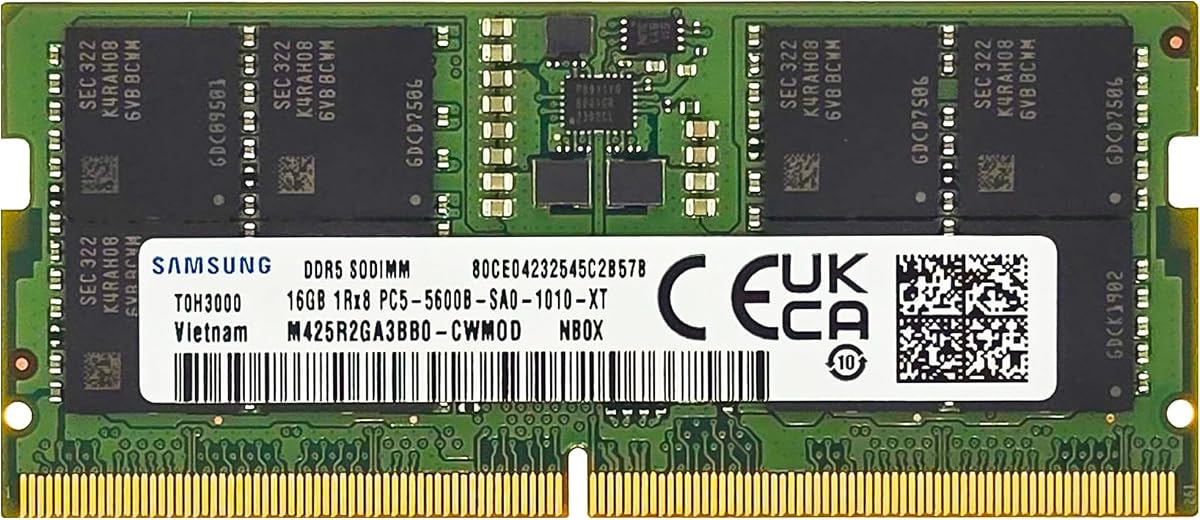

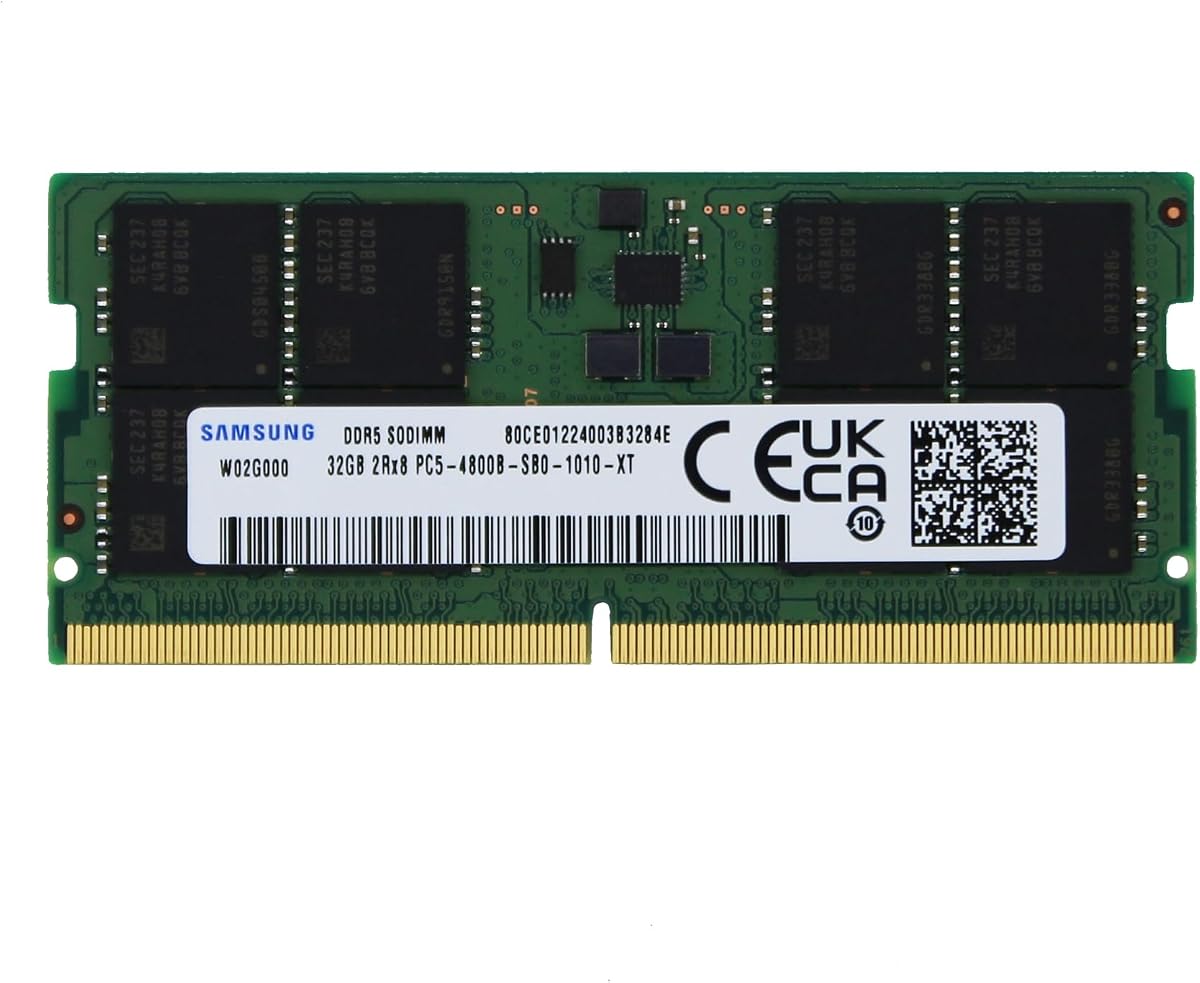

This 32GB DDR5 laptop RAM kit stands out as a top choice for power users. With a high rating and robust specs it delivers smooth performance. The versatility in speed options ensures compatibility across various systems.
We may earn a commission when you buy through this link, at no additional cost to you.
Its ability to operate at 5600MHz or lower makes it flexible. Users benefit from faster load times and better gaming performance. The Micron quality ensures durability and stable operation under load.
While the price is higher than budget options the performance justifies it. The need for a compatible motherboard is standard for DDR5 upgrades. These trade-offs are acceptable for those seeking top-tier speed.
Anyone looking to upgrade a new laptop should consider this kit. It offers the best balance of capacity and speed. We highly recommend it for demanding workflows and gaming.
The 32GB capacity allows you to run multiple apps without slowdowns. This is ideal for content creators and heavy multitaskers.
Designed for Intel 12th Gen and AMD Ryzen 7000 series it fits modern laptops. This ensures you can use the full potential of your CPU.
We may earn a commission when you buy through this link, at no additional cost to you.
This CORSAIR module offers a cost effective way to upgrade to DDR5. It delivers faster speeds and better efficiency than older RAM. The black design fits well in modern laptop aesthetics.
We may earn a commission when you buy through this link, at no additional cost to you.
Upgrading with this kit helps tackle demanding tasks easily. It works with many Intel and AMD systems. The installation process is straightforward needing only a screwdriver.
Keep in mind max speed might need BIOS tweaks. Using a single stick means no dual channel benefits initially. These are minor issues for the price savings it offers.
Budget conscious users will find this module appealing. It brings you into the DDR5 era affordably. We suggest this for entry level performance upgrades.
DDR5 technology offers lower power consumption which helps battery life. This module is perfect for extending laptop usage time.
It fits a wide range of laptops and small PCs. This flexibility makes it a safe bet for upgrades.
We may earn a commission when you buy through this link, at no additional cost to you.
The TEAMGROUP Elite kit brings premium features to your laptop. With 32GB and high speed it handles heavy workloads well. The on-die ECC adds a layer of stability to the system.
We may earn a commission when you buy through this link, at no additional cost to you.
Energy efficiency is a key highlight here. The 1.1V voltage helps maintain performance while saving power. This is great for laptops that run long sessions.
The warranty adds significant value to the purchase. However the price is on the higher end. Ensure your system supports this module before buying.
Premium seekers should consider this kit for stability. It offers a robust solution for professional work. We recommend it for those needing reliable high capacity RAM.
On-die ECC corrects errors automatically improving system reliability. This is vital for data intensive tasks.
32GB ensures you have room for future software demands. It is an investment in long term performance.
We may earn a commission when you buy through this link, at no additional cost to you.
GIGASTONE focuses specifically on DDR5 laptop needs. This kit ensures compatibility with notebooks and AIOs. The specs are tailored for high performance tasks.
We may earn a commission when you buy through this link, at no additional cost to you.
The inclusion of PMIC improves power efficiency significantly. This is a key feature for modern mobile computing. It helps keep thermals in check during loads.
While effective it may have limited availability elsewhere. Verify your laptop supports this module before purchase. These constraints are minor for those finding a match.
Users needing specific high speed RAM should look here. It delivers reliable performance for notebooks. We suggest it for targeted upgrades.
Power management integrated circuits optimize energy use. This extends battery life on portable devices.
Designed for laptops it fits form factors correctly. This ensures no physical fit issues during install.
We may earn a commission when you buy through this link, at no additional cost to you.
G.SKILL is known for quality memory modules. This kit offers 32GB capacity for multitasking. The CL40 timing is tight for performance.
We may earn a commission when you buy through this link, at no additional cost to you.
It includes both JEDEC and XMP profiles. This allows flexibility in how you configure it. You can boost speeds if your system supports it.
Avoid mixing kits to prevent stability issues. The BIOS adjustment is standard for DDR5 RAM. These are normal considerations for this tech.
Enthusiasts will appreciate the tuning options. It balances speed and reliability well. We recommend it for gaming laptops.
XMP profiles let you push speeds easily. This is useful for gaming optimization.
JEDEC support ensures baseline stability. This guarantees the RAM works out of the box.
We may earn a commission when you buy through this link, at no additional cost to you.
This CORSAIR kit is a reliable choice. It supports most modern Intel and AMD laptops. The 32GB capacity handles heavy tasks well.
We may earn a commission when you buy through this link, at no additional cost to you.
Load times improve significantly with this RAM. The black finish matches many laptop internals. It is easy to install with basic tools.
Ensure your BIOS supports the max speed. The cost is reasonable for the capacity offered. These points are manageable for most users.
General users looking for an upgrade should check this. It offers a balance of features. We suggest it for daily use.
DDR5 speeds cut down wait times. This is noticeable in large file loads.
Wide compatibility means fewer issues. It fits most current laptop models.
We may earn a commission when you buy through this link, at no additional cost to you.
Samsung memory is known for stability. This module offers 16GB to boost performance. It expands available resources effectively.
We may earn a commission when you buy through this link, at no additional cost to you.
The low power design is ideal for laptops. It follows standard JEDEC specs for safety. Bottlenecks are reduced with this addition.
Check part numbers for exact fit. Using a single stick is not dual channel. These are standard for single module upgrades.
Anyone needing a simple memory boost should pick this. It is efficient and reliable. We recommend it for basic upgrades.
1.1V voltage keeps energy use low. This helps thermal management.
More RAM means smoother multitasking. It prevents system stalls.
We may earn a commission when you buy through this link, at no additional cost to you.
This Samsung kit brings 32GB capacity. It is good for heavier workloads. It improves your system resources significantly.
We may earn a commission when you buy through this link, at no additional cost to you.
Dual modules work well for modern laptops. The speed is high for most tasks. Samsung parts are usually very stable.
Ensure you have two slots available. The price is higher than single sticks. These are common constraints for kits.
Users wanting a direct upgrade will like this. It provides solid capacity. We suggest it for performance needs.
Two modules allow better bandwidth. This helps with large data.
32GB is a big step up. It handles modern software easily.
We may earn a commission when you buy through this link, at no additional cost to you.
Samsung 32GB DDR5 provides great stability. It offers 32GB in one module. The dual rank design supports heavy loads.
We may earn a commission when you buy through this link, at no additional cost to you.
This RAM is rated highly by users. It fits select laptops perfectly. The speed is good for general use.
Note the speed is lower than 5600. Using one slot leaves one free. These are trade-offs for capacity.
Users needing 32GB in one stick should choose this. It is reliable and efficient. We recommend it for laptops.
Dual rank helps with data access. This is great for workloads.
Samsung is known for durability. It ensures long term use.
We may earn a commission when you buy through this link, at no additional cost to you.
This kit offers dual channel performance. It combines two 8GB modules. The 5600MHz speed is fast.
We may earn a commission when you buy through this link, at no additional cost to you.
Samsung quality makes this a good pick. It works with many laptops. Dual channel helps with data rates.
Capacity is lower than 32GB options. The modules are smaller physically. These are common for 16GB kits.
Users needing a basic boost should check this. It is reliable and balanced. We recommend it for entry level.
Dual channel improves throughput. This helps with gaming.
16GB is enough for basic needs. It saves cost effectively.
We may earn a commission when you buy through this link, at no additional cost to you.
Choosing the right DDR5 Laptop RAM requires understanding your laptop limits and performance goals. This guide breaks down the key factors to consider.
Capacity determines how many apps you can run simultaneously. For general use 16GB is often sufficient. For gaming or heavy tasks 32GB is recommended.
Look for capacity that fits your current needs and future growth.
DDR5 speeds range from 4800MHz to 5600MHz. Higher speeds mean faster data processing. Ensure your laptop supports the chosen frequency.
Prioritize speed for gaming and content creation tasks.
Latency or CL timing affects response speed. Lower numbers are better for performance. This interacts with speed in real world tasks.
Balance CL timing with speed for best results.
DDR5 RAM is not compatible with older systems. Check your laptop supports DDR5 before buying. Verify the form factor matches SODIMM.
Always check manufacturer specs before purchase.
DDR5 uses lower voltage for better efficiency. Look for 1.1V modules to save battery. This helps thermal performance in laptops.
Efficiency is key for portable devices.
Stick to known brands like Samsung or Corsair. These offer better quality control and support. Read reviews to confirm long term performance.
Reliability ensures stability for your system.
Check the warranty terms before buying. Longer warranties protect against defects. This is important for expensive components.
Select options with strong warranty support.
Using two modules enables dual channel mode. This boosts bandwidth for performance. Single sticks may limit this benefit.
Consider dual kits for optimal speeds.
Power down the laptop completely and unplug the charger before opening the case. Ground yourself to prevent static discharge which could damage the components.
Insert the RAM into the slot at a 45 degree angle then press down until it clicks. Ensure the contacts are clean before insertion to avoid connection issues.
After installation run diagnostics to confirm system stability. Keep the laptop vents clean to ensure good airflow for the RAM module.
No you cannot mix DDR4 and DDR5 RAM in a single laptop. They have different physical connectors and operate at different voltages. Using incompatible RAM will prevent the system from booting properly.
Yes DDR5 modules typically run at lower voltages which can help save power. This efficiency can lead to longer battery life on compatible laptops. It is a key benefit of the newer standard.
Check your laptops specifications on the manufacturers website. Look for details on supported RAM types and socket types. If unsure use system info tools to verify hardware details.
Many laptops allow self upgrades if they have accessible RAM slots. However some models have soldered RAM that cannot be changed. Review your device manual before attempting installation.
5600MHz is currently the top speed for many laptops. However ensure your system can run this frequency stably. Higher speeds may require BIOS adjustments for best performance.
No special software is needed. The system recognizes the RAM upon boot. You can adjust settings in the BIOS if you want to tune speeds or timing.
We reviewed ten top options for upgrading your laptop memory. The top picks offer capacity and speed for different needs.
Prioritize compatibility and capacity when making your decision. Ensure the RAM matches your system specifications for best results.
Check current availability and prices before purchasing. Upgrades are subject to market changes so act quickly if needed.