This comprehensive guide compares the top ten Buffalo NAS solutions, evaluating storage capacity, performance, data security features, and value for home and
As an Amazon Associate we earn from qualifying purchases. We may earn a commission when you buy through links on this page, at no additional cost to you. Read our affiliate disclosure.As an Amazon Associate we earn from qualifying purchases.Purchases through our links may earn us a commission, at no extra cost to you. Read our affiliate disclosure.
Finding reliable network storage is essential for modern data management. Buffalo NAS devices offer robust solutions for home and office users seeking secure centralized file access and backup capabilities without relying on public cloud services.
Our comparison evaluates ten real products based on capacity, connectivity, and security features. We examined technical specifications, warranty terms, and user feedback to identify the most dependable options available in the current market landscape.
Each pick highlights specific strengths for different use cases. Remember that availability and pricing change frequently so verify details before purchasing. This guide helps you choose the right device for your unique storage needs and budget constraints.
Top 3 Picks for Best Buffalo NAS
Best Budget
BUFFALO LinkStation 210 6TB 1-Bay NAS Network Attached Storage with HDD Hard Drives Included NAS Storage that Works as Home Cloud or Network Storage Device for Home
This side-by-side comparison highlights key specifications across all ten models to help you quickly identify the right capacity, drive count, and network speed for your specific workflow requirements and budget.
This model stands out with its massive 32TB capacity and professional-grade 10GbE networking. It earns the top spot for environments needing heavy data throughput and enterprise-level security features.
Pros
High-speed 10GbE transfers
Instant snapshot recovery
Robust business security
Pre-configured drives included
Excellent US support
Cons
Premium price point
Heavy hardware weight
We may earn a commission when you buy through this link, at no additional cost to you.
The inclusion of 256-bit drive encryption and snapshot capabilities makes it highly resilient against ransomware. Users benefit from pre-tested NAS-grade drives that come pre-configured for immediate out-of-the-box deployment.
While expensive, the value lies in its ability to handle heavy loads without performance drops. The 3-year warranty plus optional extensions provide peace of mind for critical business infrastructure needs.
Businesses requiring fast file transfers and robust data protection should choose this unit. It delivers reliability and speed that justifies the investment for demanding office environments.
Enterprise Security Features
Advanced encryption and closed system design minimize vulnerabilities while two-factor authentication adds an extra layer of access control.
Instant Data Recovery
Snapshots allow near-instantaneous data recovery with minimal system disruption which is crucial for maintaining uptime during unexpected failures.
Ideal for home users needing centralized storage without monthly fees. This single-bay unit offers 6TB of space and works seamlessly with Windows and macOS for basic file sharing needs.
Pros
Affordable entry price
HDD included out-of-box
No subscription fees
Easy network setup
Closed system security
Cons
Single drive limitations
No RAID redundancy
We may earn a commission when you buy through this link, at no additional cost to you.
The subscription-free personal cloud feature allows you to store and access media anytime without additional costs. It includes PC backup software to automate data protection across multiple devices easily.
Trade-offs include the lack of drive redundancy since it uses only one drive bay. However for the closed system design and SSL encryption still provide reasonable safety for non-critical personal data.
Home users wanting a simple plug-and-play solution will find this model perfect. It balances cost and functionality well for those starting their own private cloud journey.
No Monthly Fees
Store and back up videos music and photos without paying any monthly subscription charges making it cost-effective for long-term personal use.
Easy Backup Automation
Set up automated backups of data on your computers to ensure important files are always protected against accidental loss or device failure.
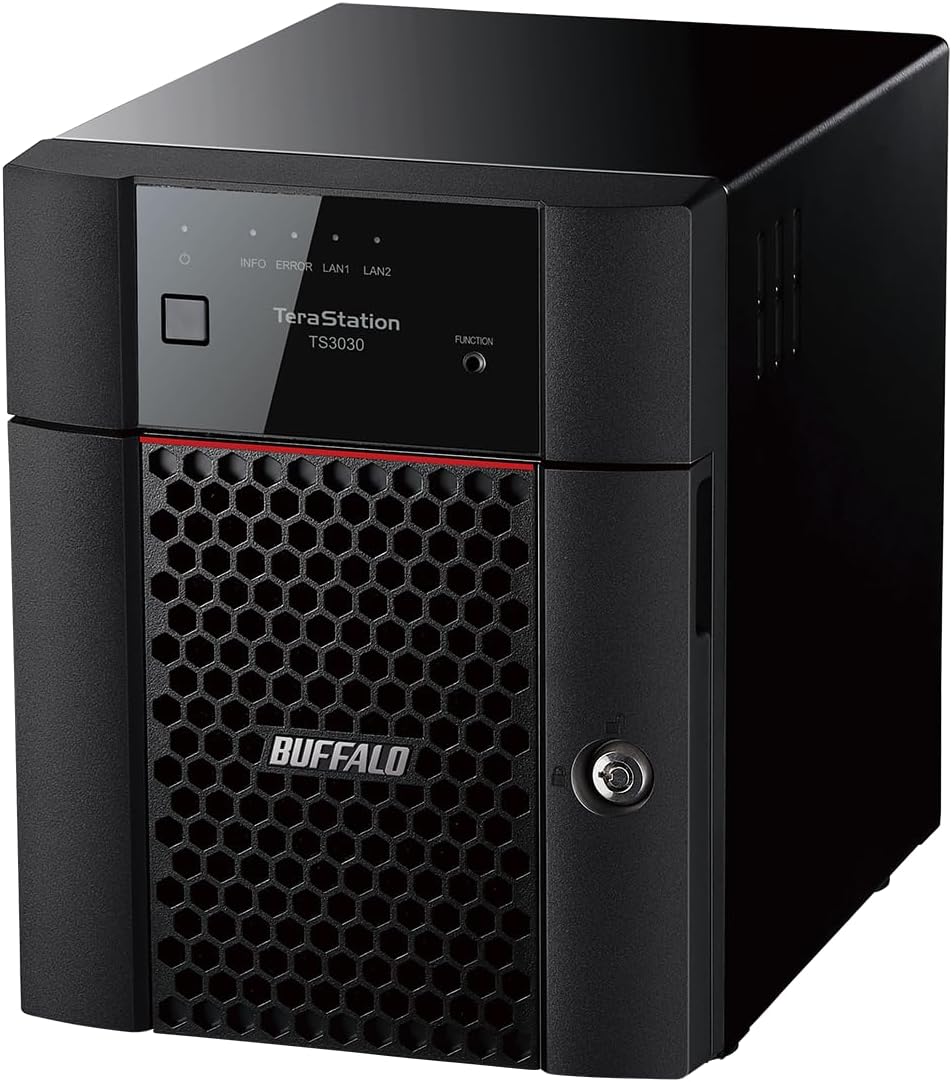
This 4-bay powerhouse delivers 24TB capacity with advanced RAID flexibility for balanced performance and redundancy. It is designed for users needing more storage than entry models provide without enterprise complexity.
Pros
Flexible RAID options
2.5GbE transfers
Cloud integration support
Pre-tested hard drives
Comprehensive warranty
Cons
Higher initial cost
Needs proper ventilation
We may earn a commission when you buy through this link, at no additional cost to you.
The native 2.5GbE port speeds up file transfers without requiring cable upgrades. Cloud integration with services like Dropbox and OneDrive creates a hybrid backup strategy for extra data security.
While costlier than simpler units the included drives and 3-year warranty add significant value. You can adjust RAID modes later to suit changing needs while maintaining data protection.
Users needing substantial storage with fast network speeds should prioritize this model. It offers a premium experience with the reliability and features expected from professional-grade hardware.
Hybrid Cloud Backup
Sync with cloud providers to create a hybrid cloud that offers extra security cost savings and flexible scalability for your stored files.
Effortless Setup
Hard drives are pre-tested and RAID pre-configured for hassle-free out-of-the-box protection so you can start storing data immediately.
Tailored for small home offices this model provides secure shared storage with easy file sharing features. It supports 4TB total capacity with options to configure RAID modes for data protection.
Pros
Optimized for offices
Direct USB backup
Shared file access
Individual folder permissions
Made in Japan
Cons
Limited capacity growth
Older processor speed
We may earn a commission when you buy through this link, at no additional cost to you.
Users can back up devices via USB directly without needing a computer. Individual access restrictions ensure privacy while allowing secure sharing with family or team members remotely.
The closed system minimizes vulnerabilities from third-party apps. While it lacks the fastest speeds it offers reliable performance for typical office document and media workflows.
Small teams needing secure collaboration tools will appreciate its design. It balances ease of use with essential security features for daily professional tasks.
Direct USB Backup
Copy photos videos and files via USB port without needing a computer making quick backups simple when on the go.
Secure File Sharing
Create individual access restrictions for folders to ensure data remains private while allowing secure sharing of specific files with others.
This unit fits neatly into server racks for organized infrastructure setups. It provides 8TB capacity across four bays with native 2.5GbE ports for high-speed file transfers.
Pros
Space-saving rack design
Flexible RAID modes
Fast 2.5GbE speeds
TAA compliant
Award-winning support
Cons
Requires rack cabinet
Limited to 8TB
We may earn a commission when you buy through this link, at no additional cost to you.
The included drives are pre-tested and RAID pre-configured for immediate deployment. You can switch RAID modes later to balance performance and redundancy based on specific needs.
While capacity is limited compared to 4-bay desktops the form factor is ideal for data centers or server rooms. Its TAA compliance ensures suitability for government procurement contracts.
IT administrators needing a compact professional storage solution should consider this model. It delivers robust features in a space-efficient package for enterprise environments.
TAA Compliant
Fully TAA compliant ensuring eligibility for government contracts while maintaining high quality made in Japan manufacturing standards.
Flexible RAID Configuration
Start with RAID 5 protection and easily change to RAID 6 or RAID 0 later to suit evolving storage and redundancy requirements.
This specialized unit runs native Windows Server IoT 2025 for seamless integration with Windows workgroups. It includes NovaBACKUP software for professional-level backups without extra licensing fees.
Pros
Native Windows OS
No CALs required
Professional backup software
Azure integration
Simple recovery service
Cons
Windows licensing complexity
Higher hardware cost
We may earn a commission when you buy through this link, at no additional cost to you.
Users benefit from cost-effective data management features built into Windows Server. Cloud integration with Azure and OneDrive creates flexible hybrid backup strategies for business continuity.
Although specific to Windows environments the setup removes CAL complexities common with standard servers. The 3-year warranty offers extensions for added security over time.
Small businesses relying heavily on Windows infrastructure will find this ideal. It simplifies server management while delivering essential storage and backup capabilities.
No CALs Required
Pre-tested hard drives included with RAID pre-configured eliminates the need for Client-Access Licenses reducing total cost of ownership significantly.
Professional Backup Software
Includes NovaBACKUP software license for versatile professional-level server and PC backups ensuring comprehensive data protection across networks.
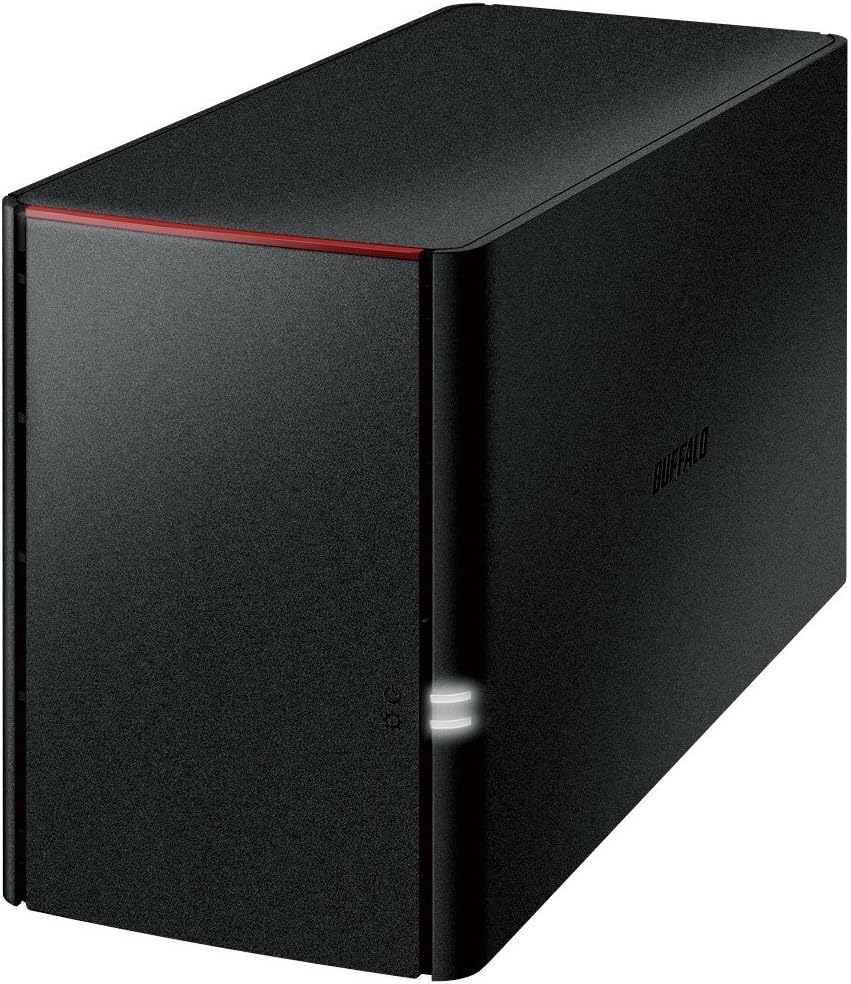
A classic model offering basic network storage with DLNA capabilities for media streaming. It provides 4TB capacity via two drives and supports standard TCP/IP networking protocols.
Pros
DLNA streaming support
Basic network storage
USB 2.0 ports
Simple interface
Compact size
Cons
Outdated USB 2.0
No modern encryption
We may earn a commission when you buy through this link, at no additional cost to you.
Users can connect via USB 2.0 and Gigabit LAN for file sharing. While less advanced than newer models it still serves well for legacy systems or simple home networks.
The trade-off is slower transfer speeds and older encryption standards. However for casual media storage this unit remains functional for basic needs without complex setup.
Those needing straightforward media storage should consider this option. It is best suited for users prioritizing simplicity over high-speed performance features.
DLNA Streaming
Access stored music and videos directly on DLNA compatible devices making entertainment sharing easy across compatible network devices.
Basic Connectivity
Gigabit LAN and USB 2.0 provide standard connectivity for file transfers and peripheral backups without requiring advanced network skills.
Designed for small home offices this model offers economical storage with bundled business recovery software. It ships with pre-tested drives configured for RAID 1 protection right out of the box.
Pros
Business-level backup software
Pre-configured RAID
Easy plug-and-play setup
Free personal cloud
24/7 support
Cons
Older design
Limited to 4TB
We may earn a commission when you buy through this link, at no additional cost to you.
Users can access files remotely via internet service and set up individual user access. The free personal cloud ensures access from PC Mac tablet or smartphone anytime.
While capacity is modest it provides essential server and PC backup capabilities. The setup involves just plugging into a router for instant network storage availability.
Small offices needing reliable backups without complexity should choose this device. It offers professional features at an accessible price point for budget-conscious users.
Business-Level Backup
Business-level server and PC backup software bundled ensures data recovery readiness without needing to install additional third-party utilities.
Remote Access
Available from anywhere with internet service allowing users to retrieve files on demand from various devices remotely.
This model emphasizes mobile access for photos and music stored on the network. It features a mirroring function to protect files until jobs data is secured.
Pros
Smartphone access
Built-in mirroring
Includes LAN cable
Compact dimensions
Lightweight design
Cons
1-year warranty
Limited software
We may earn a commission when you buy through this link, at no additional cost to you.
Users can enjoy TV programs directly from stored content on the device. The package includes a LAN cable and AC adapter for quick setup upon arrival.
The mirror mode halves usable capacity but ensures data redundancy. While warranty is shorter it provides basic protection for casual media storage needs.
Households needing centralized media access for mobile devices will appreciate this. It offers simple mirroring without complex configuration requirements.
Mirroring Function
In the mirroring function family photos and music are protected until the file of the jobs data is complete and secure.
Smartphone Access
Designed for smartphone tablet and PC users who need to store and access media files across multiple devices easily.
A desktop external drive solution ideal for creative professionals and local backups. It offers 8TB capacity across two drives with USB 3.2 Gen 1 connectivity for fast local transfers.
Pros
Universal USB 3.2
Time Machine support
Hot swap feature
Plug-and-play PC/Mac
TAA compliant
Cons
Not a network NAS
Limited remote access
We may earn a commission when you buy through this link, at no additional cost to you.
Users on Mac get Time Machine support for scheduled backups. Hot swap allows replacing a failed drive without powering down which is useful for continuous work.
It lacks network capabilities but excels as a direct-attached storage device. The TAA compliance ensures quality manufacturing standards are met for business use.
Users needing high-speed local storage for backups should choose this unit. It bridges the gap between traditional drives and networked solutions.
Time Machine Support
Offers scheduled backups for protecting Mac computers ensuring seamless integration with Apple ecosystem backup requirements.
Hot Swap Feature
Allows a user to replace a hard drive in the event of failure without powering down the device for uninterrupted workflows.
We may earn a commission when you buy through this link, at no additional cost to you.
Buying Guide – How to Choose the Best Buffalo NAS
Selecting the right network storage requires evaluating several key factors to ensure performance and reliability meet your specific needs.
Capacity Requirements
Assess your current storage needs and future growth projections. Models range from 4TB to 32TB total capacity so choose a device that accommodates your data volume without immediate upgrades.
Always consider usable capacity which may differ from total capacity depending on your RAID configuration choices.
Number of Drive Bays
Drive bays determine how many hard drives you can install. More bays offer better scalability and redundancy options like RAID 1 or RAID 5 for protecting against drive failures.
Single bay units are cheaper but lack data redundancy while multi-bay models provide better long-term security.
Network Connectivity
Look for models with Gigabit Ethernet or faster like 2.5GbE and 10GbE ports. Faster ports enable quicker file transfers especially important for large media files or office environments.
Ensure your router or switch supports the same speed to avoid bottlenecks during data access.
Data Security Features
Security is critical for protecting sensitive files. Check for drive encryption SSL support and closed system designs that minimize vulnerabilities from third-party applications.
Advanced models offer two-factor authentication and snapshot capabilities to guard against ransomware and unauthorized access.
Operating System Compatibility
Confirm the NAS works seamlessly with your computers and devices. Most support Windows and macOS but verify specific OS versions especially for newer macOS releases.
Some specialized units run Windows Server or require specific client software so match this to your existing IT infrastructure.
Cloud Integration
Hybrid cloud setups combine local storage with public cloud backups. Models that sync with Dropbox Amazon S3 or Azure offer flexible redundancy strategies.
This feature adds an extra layer of data protection without relying solely on on-premise hardware.
Warranty and Support
Check warranty terms carefully as many Buffalo models come with 3-year coverage including hard drives. US-based support availability ensures assistance when setup or recovery is needed.
Longer warranties reduce long-term ownership costs and indicate manufacturer confidence in product durability.
Form Factor and Design
Desktop models fit on desks while rackmount units require server cabinets. Choose a form factor that matches your physical space and cooling requirements.
Compact designs save space but might limit drive counts compared to larger desktop units.
How to Use and Care for Your Buffalo NAS
Connect the NAS to your router using an Ethernet cable and power it on. Use the provided software or web interface to configure drive settings RAID modes and user accounts for secure access.
Enable automated backups on your computers and mobile devices to ensure consistent data protection. Regularly update firmware through the management portal to patch vulnerabilities and improve performance.
Monitor system health indicators and replace drives if alerts appear. Keep the device in a well-ventilated area to prevent overheating which can affect drive lifespan and system stability.
Frequently Asked Questions
Can I add more hard drives to a Buffalo NAS later?
Yes most multi-bay models allow you to replace drives with larger capacity units. Check if your model supports capacity expansion features before purchasing bigger drives to ensure compatibility.
What is the difference between NAS and external hard drives?
NAS devices connect to your network allowing multiple users to access files simultaneously. External hard drives typically connect to one computer via USB and offer limited sharing options.
Do Buffalo NAS devices work with macOS?
Most models support macOS though some newer macOS versions might require checking compatibility notes. Always verify software utility support for your specific Mac OS version before purchasing.
What is RAID and why is it important?
RAID combines multiple drives to improve redundancy and performance. It protects data if one drive fails allowing you to continue operations without losing critical files.
Can I access my NAS files remotely from outside my home?
Many models offer remote access features allowing you to connect securely via the internet. You will need to set up cloud services or remote access settings on the device.
How often should I replace hard drives in my NAS?
It is advisable to check drive health regularly and replace drives showing signs of wear. While average lifespan is 5 to 7 years regular monitoring ensures data integrity and prevents unexpected failures.
Do I need technical expertise to set up a Buffalo NAS?
Most models are designed for plug-and-play setup with easy-to-use interfaces. US-based support and included utilities guide users through initial configuration and backup setup steps.
Can I use my own hard drives with these NAS devices?
While some models include drives you can often replace them with your own compatible hard drives. Ensure new drives meet the model capacity specifications and reliability standards for best performance.
Final Thoughts on Choosing the Best Buffalo NAS
We evaluated ten options ranging from budget-friendly home units to professional-grade business solutions. The top picks offer distinct advantages for capacity connectivity and security needs.
Prioritize drive bay count and network speed based on your workflow intensity. Security features like encryption and RAID configurations should also influence your final selection.
Verify current availability and warranty details before ordering since these change frequently. This guide aims to simplify your choice for reliable long-term network storage.