
BenQ TH671ST
4.4Editor score
Ultra Low Input Lag
1080p Full HD Resolution
Compact Short Throw Design
Discover the top Benq Projector for Golf Simulator options reviewed for brightness, resolution, and throw distance to perfect your indoor practice setup today.
Choosing the right projector transforms your indoor golf setup into a realistic training environment. Brightness and throw distance matter most when simulating courses in limited spaces.
We evaluated ten models based on resolution, lumens, and input lag to ensure smooth swing tracking. Each option supports high-definition visuals needed for accurate ball flight data.
Every pick highlights key strengths and trade-offs to help you decide quickly. Prices fluctuate frequently so verify current deals before purchasing your new simulator gear.
4.4Editor score

3.5Editor score

5.0Editor score
This side-by-side comparison breaks down key specifications for all ten models so you can quickly identify the best fit for your room dimensions and budget needs.
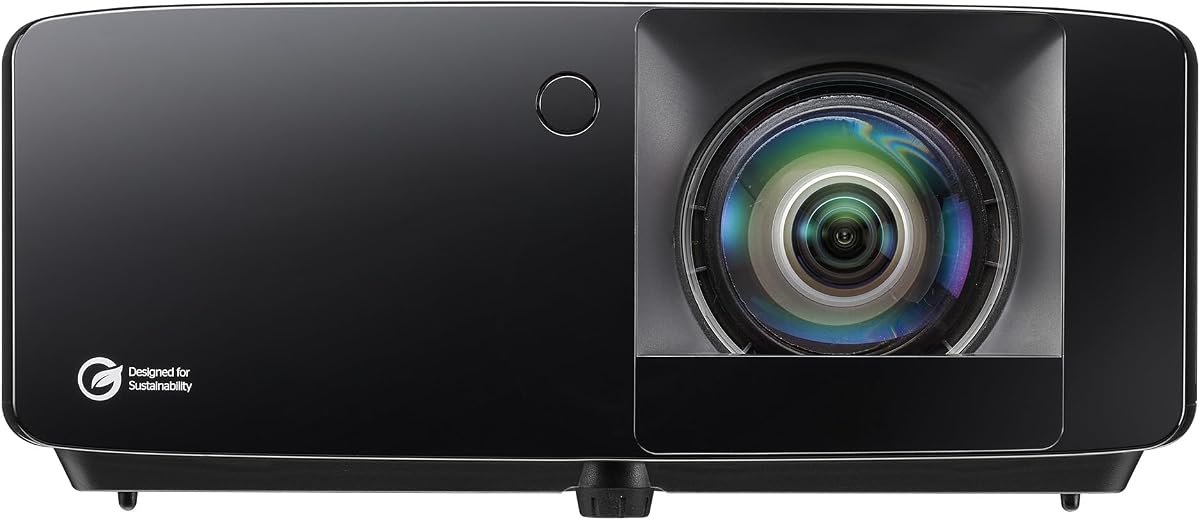
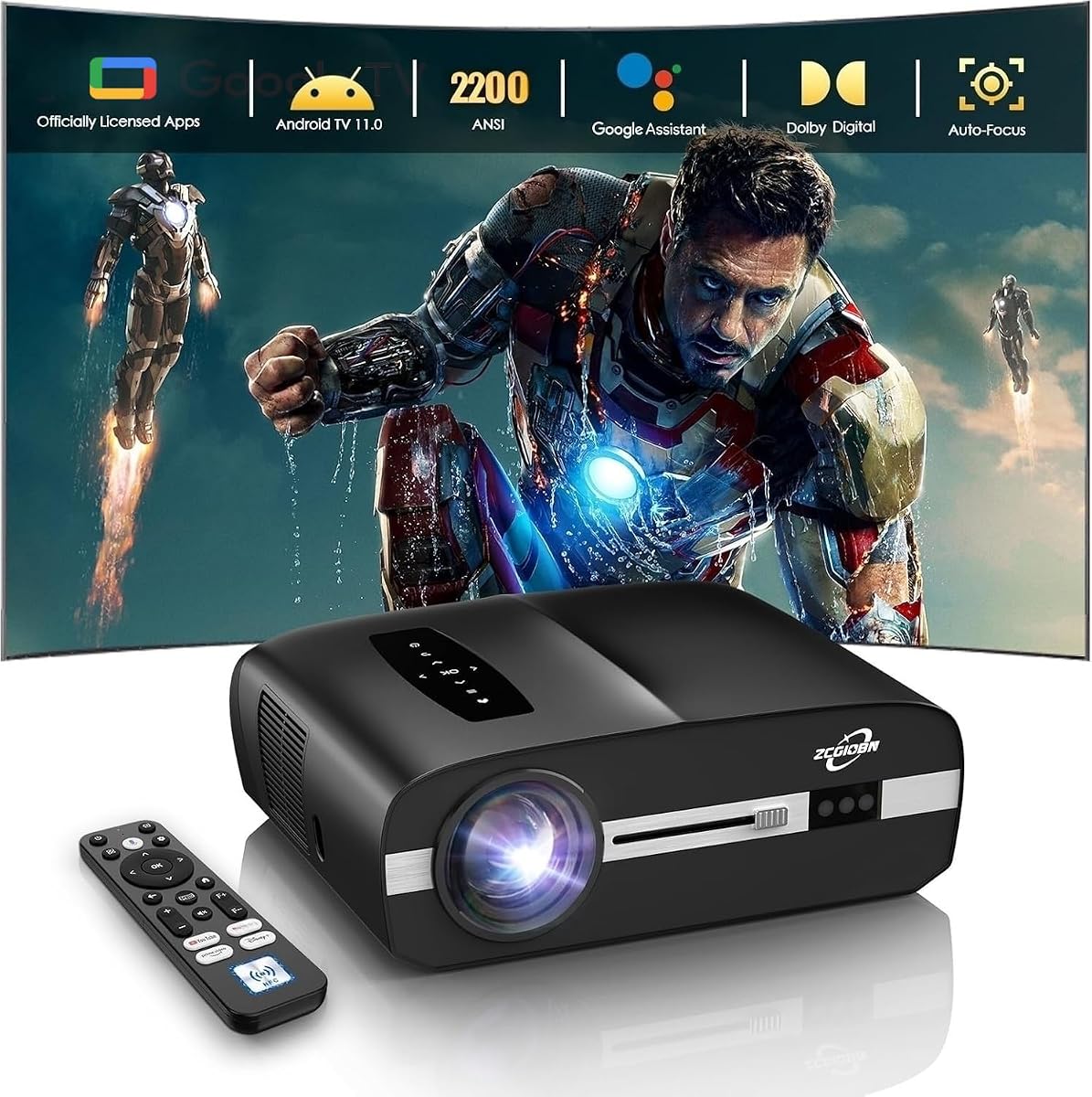


This BenQ model stands out with its bright output and golf optimized visuals making it a top choice for simulators. Users praise its ability to render course details clearly even in lit rooms.
We may earn a commission when you buy through this link, at no additional cost to you.
The 4000 lumens ensure visibility during the day while the short throw lens allows placement close to the screen. This setup minimizes shadows cast by the golfer during swings.
While the rating is moderate some feedback suggests potential color accuracy tweaks are needed for perfect realism. However the overall performance remains strong for dedicated practice sessions.
Serious golfers seeking reliable indoor practice will find this projector delivers consistent results over time. Its longevity and ease of setup make it a solid investment for home training.
The high brightness and color coverage bring virtual greens to life enhancing the immersive feel of every shot.
Short throw technology means you can place the projector further back without losing image size reducing swing interference.
We may earn a commission when you buy through this link, at no additional cost to you.
Affordable yet capable this BenQ projector offers solid resolution and low lag essential for tracking fast ball movements. It is a favorite among casual players wanting big screen visuals without breaking the bank.
We may earn a commission when you buy through this link, at no additional cost to you.
Input lag is minimal ensuring your swing feedback appears instantly on screen. The 1080p resolution provides clear enough detail for course layouts and data overlays.
While it lacks advanced laser longevity the lamp life is decent for regular use. You might need external speakers for full audio immersion but the video performance is the main draw.
Ideal for those starting a simulator setup on a budget this unit delivers reliable picture quality. Pair it with a good projector screen for best results in your practice area.
Built with low input lag and high refresh support it handles fast action sequences without noticeable motion blur.
Short throw capability lets you place the unit closer to the wall saving floor space in smaller basements.
We may earn a commission when you buy through this link, at no additional cost to you.
This top tier model combines native 4K resolution with high brightness ensuring every detail of the course is crisp. It is designed for professional installations where clarity and reliability are non-negotiable.
We may earn a commission when you buy through this link, at no additional cost to you.
The high lumen count allows for daytime use without dimming lights which helps maintain a realistic practice environment. Laser technology ensures consistent performance over thousands of hours of operation.
Cost is the main barrier for most home users but the performance justifies the investment for serious facilities. Installation requires space but the short throw allows flexible mounting options on ceilings.
Commercial clubs or wealthy enthusiasts wanting the best visual fidelity will appreciate this unit. It sets a benchmark for what a simulator projector should deliver in terms of image quality and durability.
Native 4K resolution renders grass textures and club heads with exceptional clarity enhancing the training experience.
With over 5000 lumens it cuts through ambient light easily ensuring visibility even in uncontrolled room lighting.
We may earn a commission when you buy through this link, at no additional cost to you.
Optoma delivers a robust solution with a remarkably short throw ratio that minimizes shadows significantly. This is ideal for tighter spaces where ceiling mounting is the only viable option for projector placement.
We may earn a commission when you buy through this link, at no additional cost to you.
True 4K resolution provides sharp images that make tracking ball flight easier. The high brightness ensures the picture remains vivid even if your room has some light sources during the day.
While expensive it offers long term value through its durable laser source. Users appreciate the low lag which keeps the connection between swing and visual feedback instant and responsive.
Anyone with limited room depth should consider this model for its optical flexibility. It balances high-end specs with practical design features that enhance the overall simulation experience effectively.
The ultra short throw lens places the projector near the screen keeping it out of the golfer's swing zone entirely.
Low input lag ensures that data overlays and ball flight visuals update instantly without distracting delays.
We may earn a commission when you buy through this link, at no additional cost to you.
This budget friendly option brings 4K HDR and smart features to the simulator market at a lower price point. It is versatile for gaming or movies when not actively practicing golf shots.
We may earn a commission when you buy through this link, at no additional cost to you.
The Android TV platform means you can stream content directly without needing an external media player. This simplifies the setup process and reduces cable clutter around your golf area.
While the lumen count is lower it works well in darker rooms. Auto focus and keystone features make installation easier for users who may not have technical expertise.
Casual gamers and golfers looking for an all-in-one entertainment hub will find this appealing. It offers strong value for the price with decent performance for indoor simulation needs.
Integrated Google TV allows quick access to entertainment apps enhancing the versatility of your home entertainment space.
MEMC processing reduces blur during fast swing sequences ensuring smooth visuals for better motion tracking.
We may earn a commission when you buy through this link, at no additional cost to you.
This model focuses on high brightness and smart functionality to provide a convenient viewing experience. The Google TV dongle adds immediate access to entertainment apps without extra hardware.
We may earn a commission when you buy through this link, at no additional cost to you.
While the image quality is decent for home theater the focus is on usability. Low input lag makes it suitable for casual gaming sessions alongside your simulator use.
Some users find the color accuracy average compared to more specialized units. However the convenience of its setup and integrated streaming might outweigh these drawbacks for many buyers.
Ideal for general home entertainment that doubles as a simulator screen this unit is practical. Check reviews carefully to ensure it matches your specific expectations for image fidelity.
Included Google TV dongle lets you access popular apps directly simplifying your media setup significantly.
Strong lumens ensure visibility even in well lit rooms making it versatile for different times of day.
We may earn a commission when you buy through this link, at no additional cost to you.
A robust commercial grade unit this projector offers higher resolution than standard 1080p models. The extra vertical pixels help display more detailed data overlays during your practice sessions.
We may earn a commission when you buy through this link, at no additional cost to you.
High brightness ensures clear images in any environment without needing light control. Laser technology adds to reliability making it a durable choice for frequent daily use.
It is pricier than consumer options and might be overkill for home use. But for those needing extra resolution and brightness it provides a solid upgrade path.
Professionals or enthusiasts wanting higher resolution graphics will appreciate the WUXGA native display. Its connectivity options ensure seamless integration with various simulator computers or consoles.
The 1920×1200 WUXGA resolution offers extra vertical detail for better data display and image sharpness.
Built for business environments it delivers consistent performance under heavy usage schedules typical in commercial settings.
We may earn a commission when you buy through this link, at no additional cost to you.
This model bridges the gap between cinema and gaming with strong HDR capabilities. The color volume delivers vibrant greens that help visualize course textures realistically during simulation.
We may earn a commission when you buy through this link, at no additional cost to you.
Android TV integration allows easy access to streaming services which adds value if you plan multi-use viewing. Installation flexibility helps place the unit in tricky corners.
Brightness is decent but not class leading compared to laser models. It works best in controlled environments where you can manage ambient light effectively.
If you want a single projector for movies and golf this is a great balance. The 4K sharpness ensures crisp images for both entertainment and simulation purposes.
Calibrated color coverage ensures that greens and skies appear natural and consistent for better visual realism.
Lens shift and zoom options allow perfect image alignment without requiring complex mounting hardware solutions.
We may earn a commission when you buy through this link, at no additional cost to you.
This unit includes a specialized golf mode that boosts greens and blues to enhance course realism. It is designed with professional facilities in mind but works well for advanced home setups.
We may earn a commission when you buy through this link, at no additional cost to you.
The high lumen count ensures clear visibility even in bright environments. Laser source reliability means minimal maintenance over many years of regular indoor practice use.
Resolution is slightly lower than full HD but the brightness compensates for clarity. If you prioritize seeing ball flight in real time brightness often matters more than pixel count.
Facilities looking for durable equipment with specific sports tuning should consider this model. It offers strong technical specs that support intensive usage schedules without performance drops.
Specialized Golf Mode optimizes color for outdoor visuals helping you see courses as they look naturally outside.
High brightness levels allow for clear viewing even in well lit indoor areas without requiring total darkness.
We may earn a commission when you buy through this link, at no additional cost to you.
Safety accessory this enclosure protects your projector from accidental ball strikes during practice. The turf finish blends into your setup making it less obtrusive than traditional stands.
We may earn a commission when you buy through this link, at no additional cost to you.
Designed for floor mounting it avoids ceiling hardware costs and installation complexity. Universal sizing ensures it fits most common projector models used in residential simulator setups easily.
While not waterproof it shields effectively from indoor dust and hits. Ensure your unit fits the dimensions provided to guarantee protection without restricting necessary airflow for cooling.
Anyone placing their projector on the floor will benefit from this added layer of safety. It keeps your investment secure while maintaining airflow for stable long-term operation.
Durable materials shield sensitive lens and internal components from mishits that could cause costly damage.
No assembly is needed simply place the unit over the projector and route cables through the provided vents.
We may earn a commission when you buy through this link, at no additional cost to you.
Selecting the right projector requires balancing brightness resolution and throw distance to suit your available space and simulation software.
Brightness measured in lumens is critical because golf simulations often happen in lit rooms. Look for at least 3000 ANSI lumens to ensure images stay visible without turning off lights.
Higher brightness improves clarity during the day so prioritize this over other specs if your room has windows or ambient light sources.
Short throw projectors allow placement closer to the screen which reduces shadows from the golfer. This is essential for simulators to avoid blocking the view during the swing.
Calculate the distance from the back to the impact screen before buying to ensure the projector fits your room dimensions properly.
Resolution affects how sharp the course details and data overlays appear. Full HD 1080p is standard but 4K provides better edge definition for advanced simulation software.
Choose the highest resolution your budget allows to future-proof your setup as newer simulators demand higher pixel counts.
Low input lag ensures that the video updates instantly when you hit the ball. High lag can cause disconnects between your swing motion and the on-screen animation.
Check for specs like 16ms or lower to guarantee a responsive experience during fast-paced gameplay sessions.
Laser projectors last significantly longer than traditional lamp units reducing maintenance costs over time. They also maintain brightness consistency better than bulbs that dim over time.
If you plan to use the projector daily investing in a laser model pays off in durability and reliability.
Built-in smart operating systems allow direct access to entertainment apps without extra hardware. This simplifies the setup and reduces cable clutter around your indoor golf space.
Look for Android or Google TV integration if you want to use the projector for streaming movies when not practicing golf.
Multiple HDMI inputs and other ports allow you to switch between different devices easily. Ensure compatibility with your simulator PC or console to avoid adapter headaches.
Verify that the ports support your version of HDMI needed for full resolution and refresh rate performance.
Projector prices range widely so decide how much you can spend before browsing. Entry level models are affordable but may lack brightness or longevity found in premium options.
Balance your financial limits with the features you need most to find the best value for your specific training goals.
Always position the projector where it cannot be hit by balls and use a protective cover if floor mounted.
Allow the unit to cool down before turning it off to extend the lifespan of internal components.
Clean the lens gently with a microfiber cloth to maintain clear image quality during your sessions.
For best results aim for at least 3000 ANSI lumens. Higher brightness helps visibility if your room has lights on during practice sessions.
Yes short throw lenses reduce shadows cast by players. This ensures the projector does not block the camera sensors needed for swing tracking.
Most indoor projectors are not waterproof. They work in covered garages but avoid rain or moisture that could damage the electronics.
1080p is standard but 4K offers sharper course details. Choose based on your software requirements and budget constraints.
Laser light sources typically last up to 20000 hours. This means years of daily use before needing any replacement parts.
Yes a grey or green screen improves contrast and color accuracy. Standard white walls may not deliver the same visual quality.
Short throw projectors sit 1-5 feet from the screen. Measure your room carefully to place it safely out of the swing path.
Absolutely low lag ensures your swing data appears instantly. High lag makes tracking ball flight feel unresponsive and annoying.
The BenQ AH700ST leads our list with high brightness and dedicated golf features making it a top pick for most users.
Prioritize brightness and throw distance to ensure your simulator setup is safe and visually clear in any lighting condition.
Check current pricing on Amazon before finalizing your purchase since deals change frequently and affect total cost.